
The short answer: Stage exit criteria survive a re-org when they are written as observable evidence and tied to Salesforce fields, artifacts, and owners that outlast the current org chart. Keep a short checklist for each stage, enforce it with validation or inspection, and re-sign it within 30 days of any material re-org. Training decks alone will not hold. A No-Cost Baseline Assessment shows where your stage hygiene is breaking forecast trust today.
The cost of soft criteria lands in the forecast. When a new sales leader changes what a stage means, the pipeline Finance plans against changes with it, and nobody announces it. Hiring plans, cash forecasts, and board commitments get set on a number whose definition quietly moved. Exit criteria are the control on that number, so they have to outlast the people who wrote them.
What exit criteria actually are
Exit criteria answer one question: what must be true before this opportunity may move to the next stage?
Good criteria are binary enough to audit, light enough to use every day, and owned by RevOps with Sales leadership signed on. A 40-page enablement PDF doesn’t qualify. Neither does a manager’s gut call.
Re-orgs kill soft criteria because new leaders inherit tribal meaning. If a new VP can’t apply the rules without a hallway briefing, the criteria were never real. They were culture with a logo on it.
We covered why stage definitions drift apart in Why your Salesforce opportunity stages don’t line up. This post is the checklist for keeping them fixed once they’re written.
Signs your criteria won’t survive the next re-org
The criteria live in a slide from the implementation kickoff, or on a wiki page nobody opens.
Managers “know it when they see it,” which means they make it up under pressure.
Required fields get filled in but never inspected, so they are complete and meaningless.
New leaders quietly invent their own stage meanings in their first month, and nobody pushes back.
Forecast calls argue about stage quality instead of deal strategy.
What good looks like
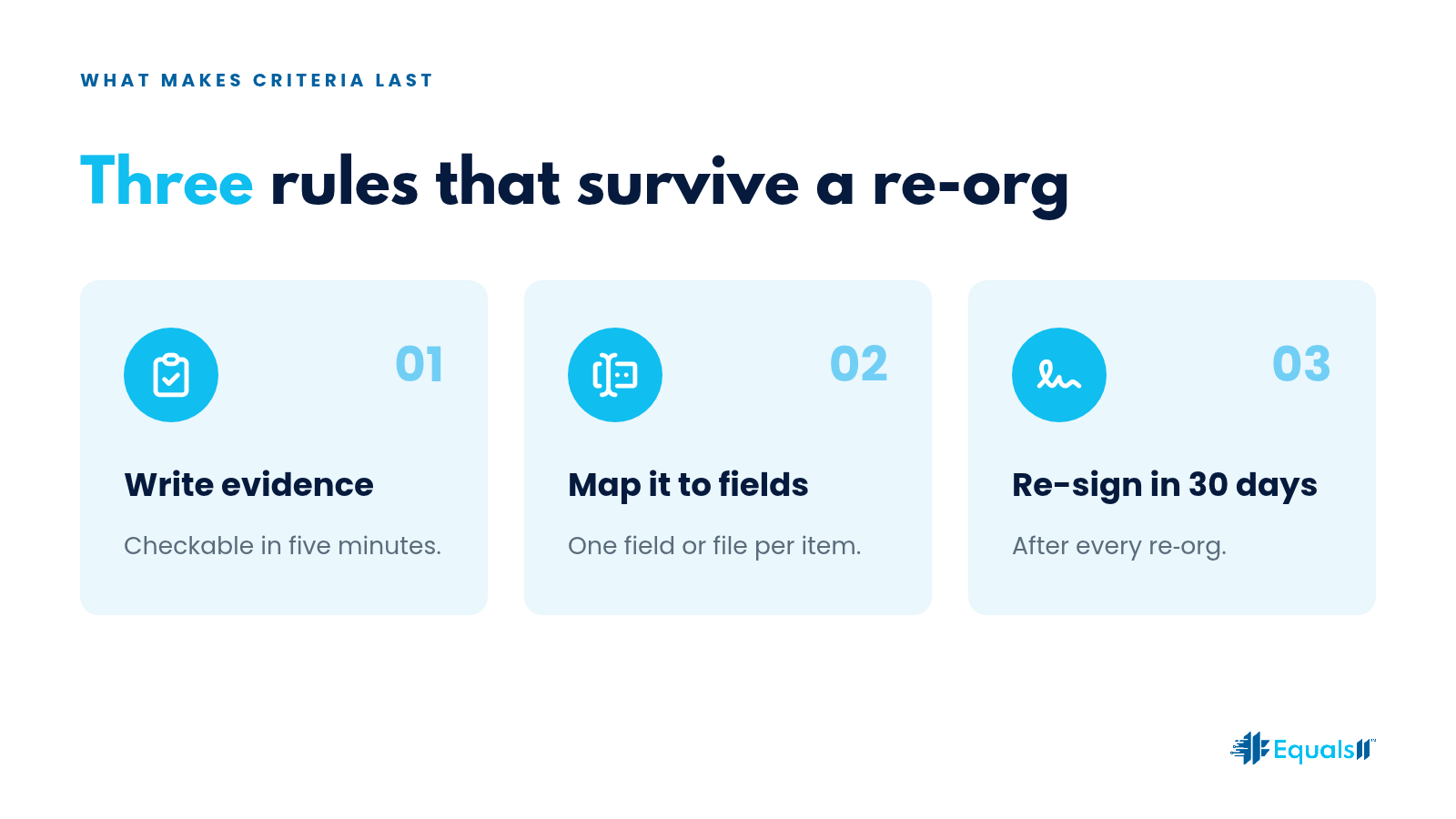
Each major stage has three to seven exit criteria. Each criterion maps to a Salesforce field, a linked artifact, or a dated event. Everyone knows who inspects, and how often. Exceptions are logged with an owner and an expiry date.
After a re-org, the same one-pager gets signed again within 30 days. Same rules, new signatures. That step forces any change in meaning into the open before it has time to drift.
The RevOps stage exit criteria checklist
Name each stage in the business language your sellers actually use.
List the exit evidence for each stage. For example: economic buyer identified, mutual plan attached, security questionnaire started, draft commercial terms shared. Use whatever matches your sales motion.
Map every item to a Salesforce field or a file location.
Define the exception path: who can approve a skipped step, for how long, and where it is logged.
Define inspection: a weekly sample by RevOps or managers, with the miss rate published.
Publish one page in the place people already look.
Re-sign the page within 30 days of any re-org.
Retire orphan fields that don’t support the criteria or the leadership forecast.
The Survive Test
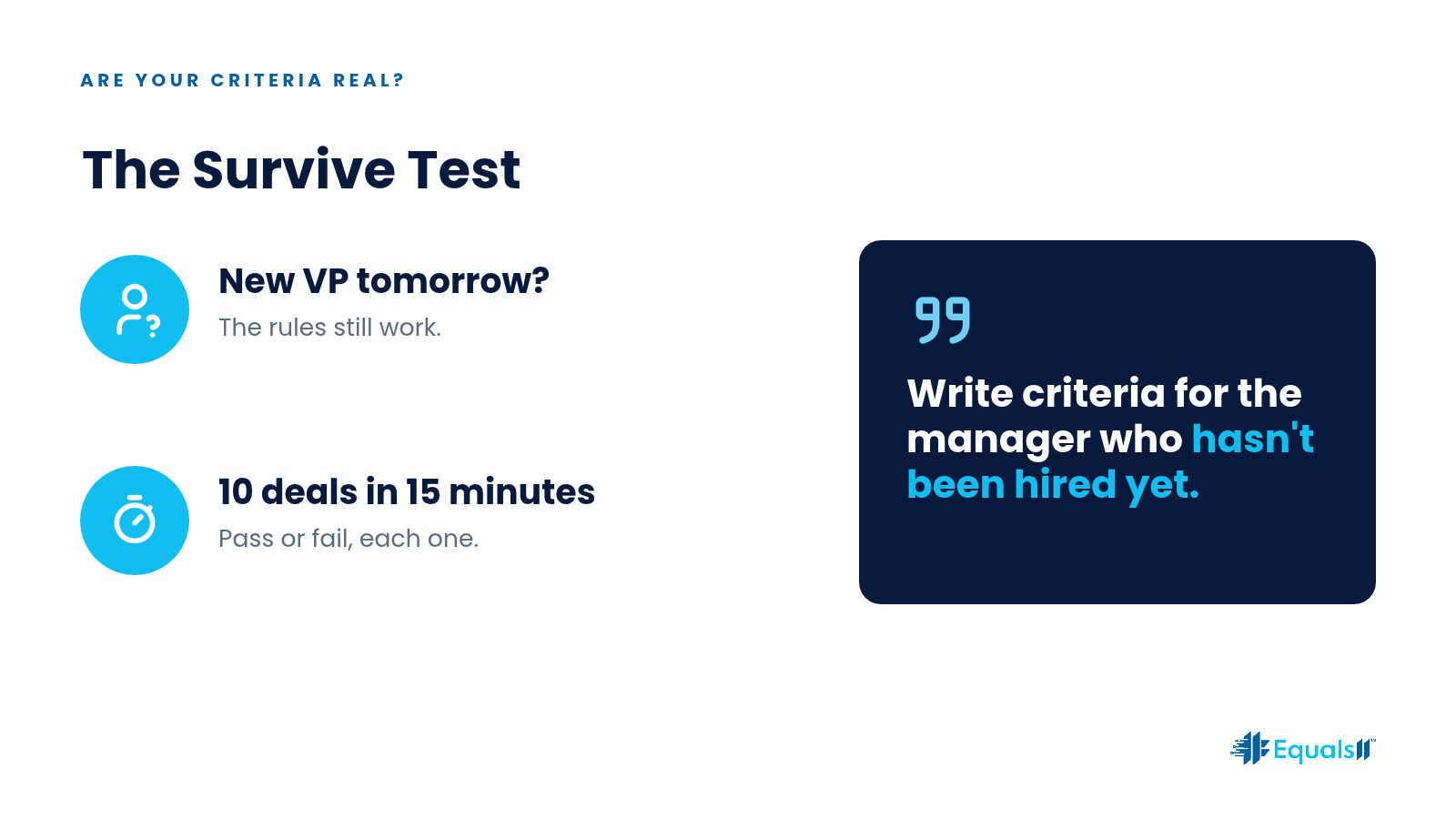
Two questions tell you whether your criteria are real.
First: if the VP of Sales changed tomorrow, could a new manager apply these criteria without a tribal briefing? If not, rewrite until the answer is yes.
Second: could RevOps pull ten opportunities and score each one as pass or fail in fifteen minutes? If not, the criteria are too vague or too heavy.
Write criteria for the manager who hasn’t been hired yet.
Enforce without creating workarounds.
Some stages need a hard validation rule, and some don’t. The highest-risk moves, such as the stage that rolls into your Commit forecast category or the move to Closed Won, may deserve blocking validation. Earlier stages usually do better with inspection and coaching.
Validation without inspection teaches reps to type whatever gets the record saved. Inspection without written criteria turns every deal review into an opinion fight. Use both, in proportion to the risk.
Example exit evidence
Treat these as illustrations and adjust them to your own sales motion.
Discovery exit: problem statement captured, champion identified, and a meeting with the economic buyer on the calendar, each mapped to a field.
Proposal exit: commercial package attached, pricing approved against your pricing matrix, and the competing alternative noted.
Write evidence your managers can check in five minutes. If proving a stage takes a novel, you will fail the Survive Test.
How it goes wrong in a re-org
Here is a pattern we see in mid-market teams. A re-org brings in a new enterprise sales leader who quietly redefines “Proposal” to mean a verbal pricing conversation. Nobody writes it down. Forecast quality slides for a quarter while RevOps chases symptoms in the reports.
A one-pager that had to be re-signed by day 30 would have forced that change into the open, where it could be accepted or rejected on purpose.
This is also one of the quiet reasons Finance, Sales, and RevOps end up with different pipeline numbers. When stage meaning drifts, the inclusion rules drift with it.
Keep criteria where the work happens.
Put the criteria in the artifact managers already open during deal review. If your forecast ritual is a meeting, put them in the meeting brief. If it is a dashboard, add a visible exit evidence panel on the opportunity page. A separate training module won’t get opened. A short list that gets used beats a perfect list that gets archived.
When your motions differ, such as enterprise, mid-market, and renewals, publish explicit variants for each. Silent forks are how a re-org recreates the chaos you just cleaned up.
Next steps
Pick your top three revenue stages and draft one page of exit criteria for each this week.
Delete or hide fields that don’t support those criteria or the leadership forecast.
Put re-signing on the calendar for the next known re-org or quarterly business review.
Run a No-Cost Baseline Assessment to see where stage hygiene actually breaks forecast trust.
FAQ
Should every stage have validation rules?
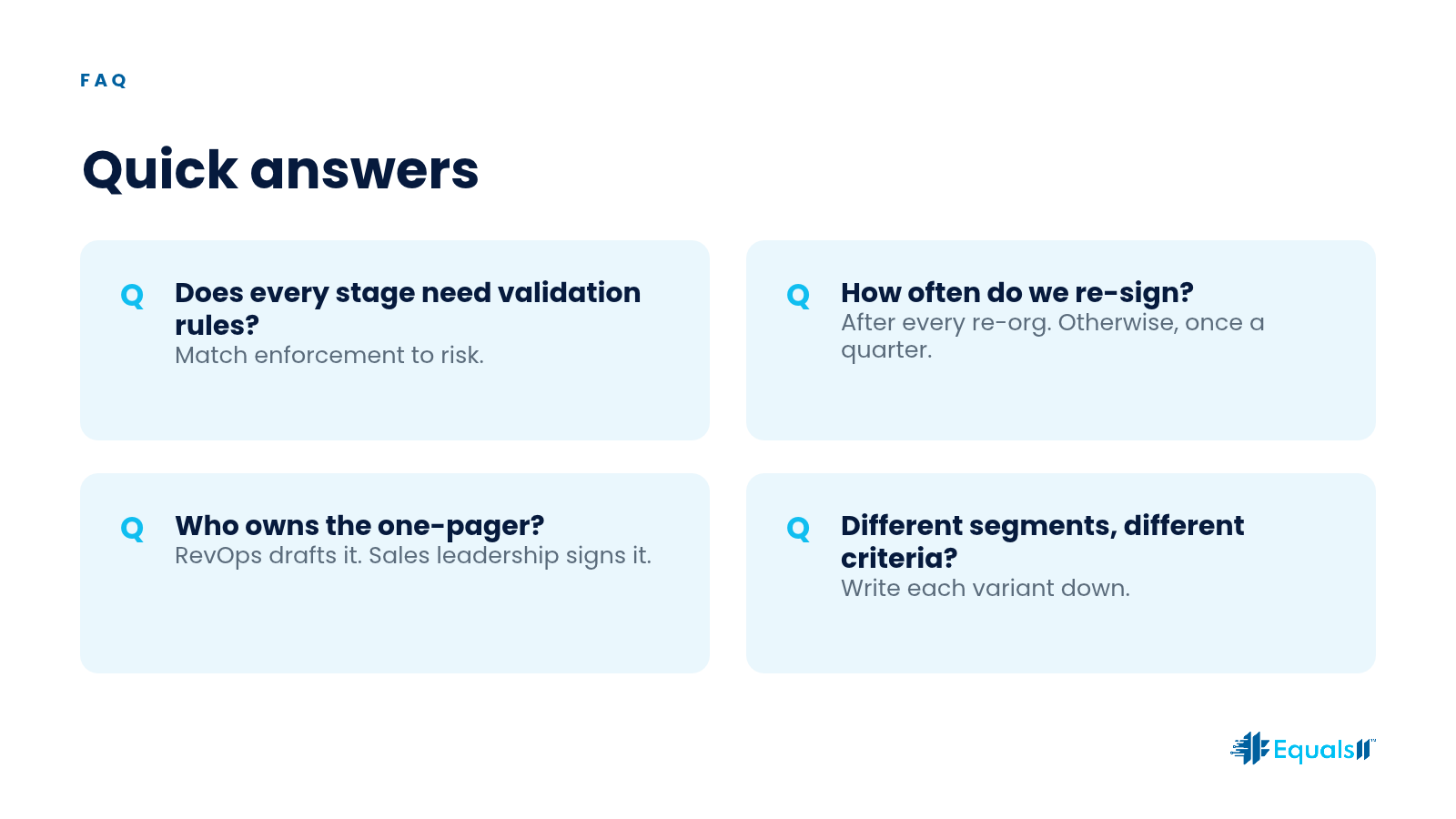
Match enforcement to risk. Validation without inspection creates workarounds.
How often should we re-sign the criteria?
After every material re-org or stage model change. Otherwise, once a quarter.
Who owns the one-pager?
RevOps drafts it, and Sales leadership signs it. Continuum can keep it current as people and products change.
What if different segments need different criteria?
Write the segment variants down explicitly. Undocumented forks are how meaning dies. More answers are on our FAQs page.
How Equals11 works
Equals11 works in a set order. The No-Cost Baseline Assessment shows which stages are breaking forecast trust. Growth Engine turns what we find into a ranked operating plan and builds only what is warranted, from rewritten criteria to the fields and validation behind them. Continuum keeps ownership from evaporating when people, vendors, and products change.
Start with a No-Cost Baseline Assessment
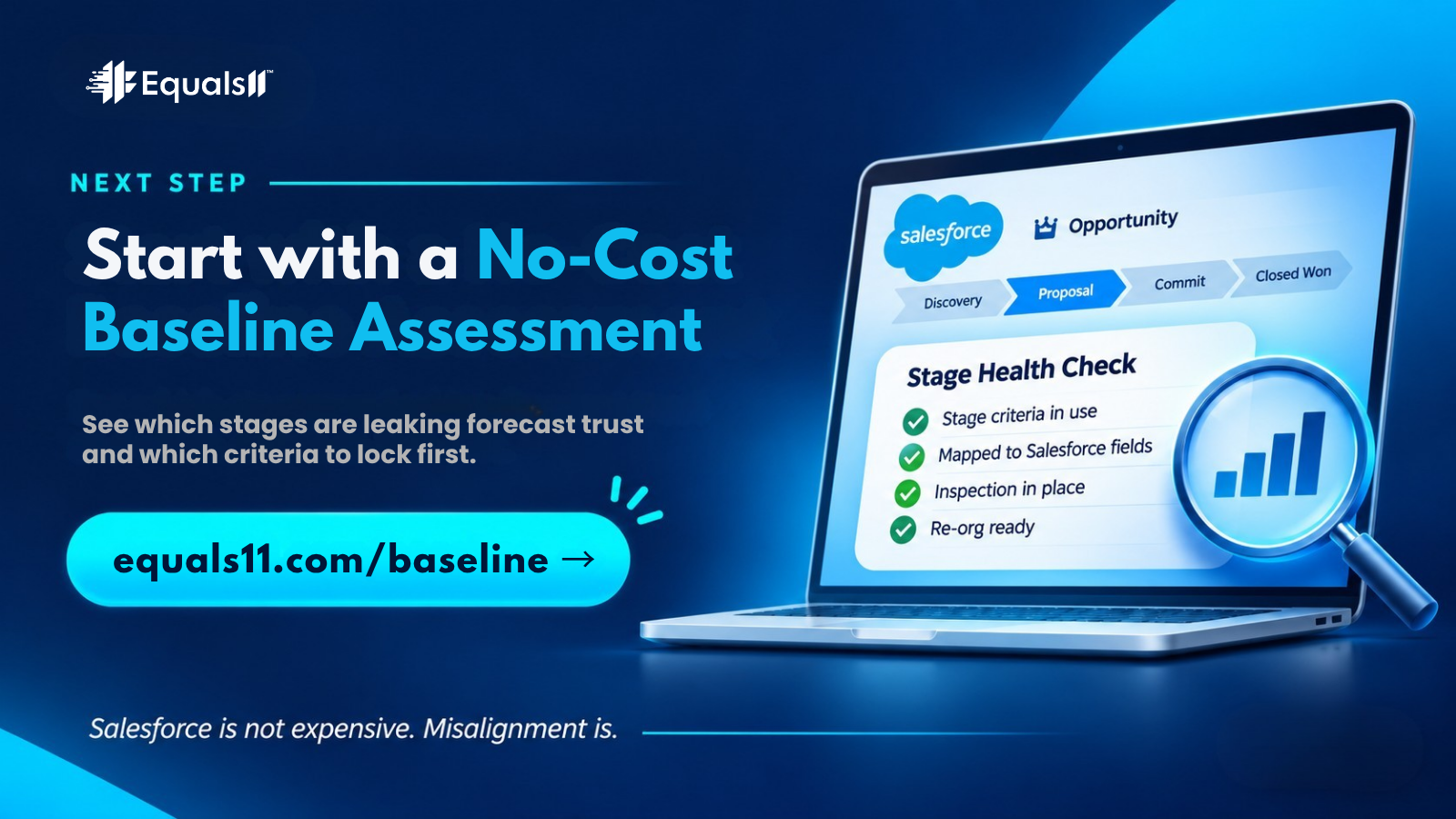
Book a No-Cost Baseline Assessment. We’ll show you which stages are leaking forecast trust and which criteria to lock first, before your next re-org rewrites them for you. If you want ongoing ownership after that, Continuum keeps the team that built your plan running it.
Salesforce is not expensive. Misalignment is.
