
Your Salesforce renewal quote landed last week. The number went up again. Nobody can explain why, so the renewal gets approved, the seats roll over, and the bill grows another year.
This is one of the most common ways money leaks out of a mature Salesforce org. The license line item is rarely the problem. How those licenses are assigned, tracked, and renewed is the problem. Salesforce is not expensive. Misalignment is expensive.
If you run a nonprofit on the free Nonprofit Success Pack, the license math works differently, and we covered it in the hidden costs behind free Salesforce licenses. This post is for commercial teams paying for seats and watching the renewal climb.
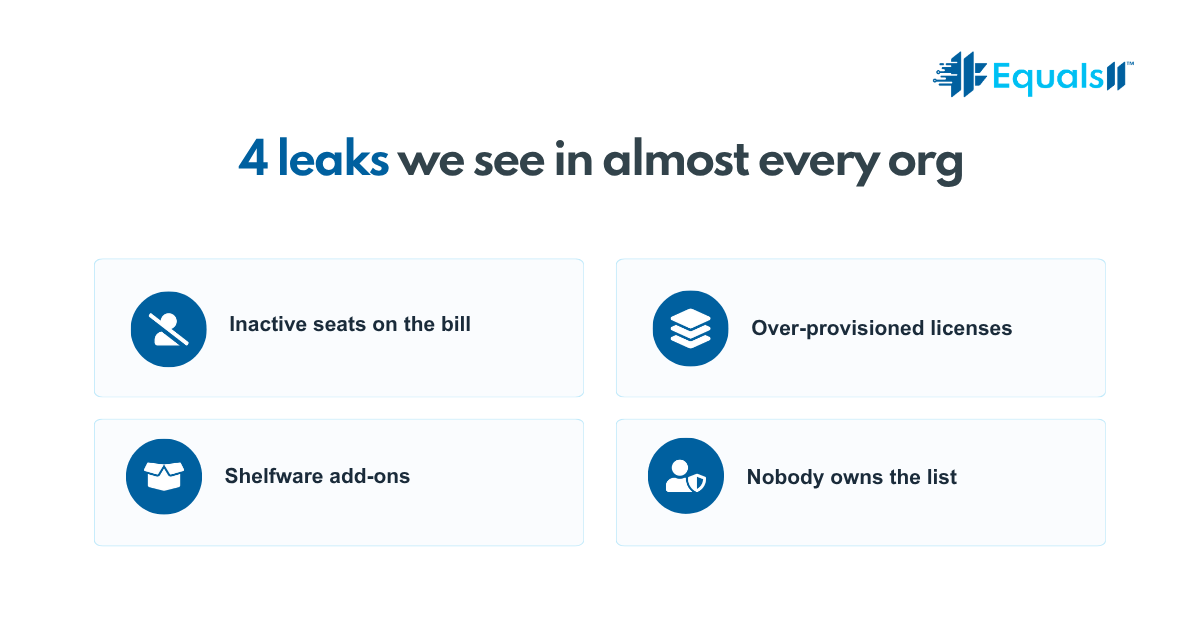
Where your license money leaks
After working inside hundreds of orgs, we see the same leaks repeat. None show up on a dashboard. All show up on the invoice.
The first is seats assigned to people who do not use them. Employees leave, roles change, contractors finish a project, and the seat stays active because deactivating a user is a manual task nobody owns. Run a report on the last login date, and you will usually find full licenses tied to people who left months ago. You have been paying for and renewing every one of them.
The second is full CRM licenses, where a lighter license would do the same job. Not everyone needs a full Sales Cloud or Service Cloud seat. Plenty of users only read reports, update a couple of fields, or work inside one custom object. Salesforce sells lighter license types for these people at a fraction of the cost. When an admin provisions everyone with the same full license out of habit, you fund capabilities that half your users never touch.
The third is the add-ons you bought and never turned on. CPQ, extra Marketing Cloud capacity, and an Einstein bundle from the last expansion. These get added during a growth push, the champion moves on, and the add-on sits there. Still on the contract, still billed, doing nothing. Shelfware is the quietest line on the invoice and often the largest.
Underneath all three is the real leak: nobody owns the license list. It sits between IT, RevOps, and finance, which means it sits with no one. So the org adds seats when people ask and almost never removes them. The number only moves one direction.
Why does this keep happening
Salesforce contracts are built to expand, not contract. Add users mid-term, and you true up and pay for the new seats. When users go inactive, the contract does not shrink on its own. You have to ask, and you have to ask before the renewal window closes. The quote arrives, it looks close enough to last year, and approving it is easier than auditing it. That single decision, repeated annually, is how a 200-seat org pays for 250.
The audit to run before renewal
Start 60 to 90 days before renewal, so you have time to act before the number is locked. Pull the last login date for every active user, flag anyone past 90 days, and confirm who still needs access. Compare each user’s license type to what they really do, not what they were assigned, and find the full CRM seats that could move to a lighter license without losing function. List every add-on with the last time it was used and who owns it, because anything you cannot answer for is a candidate to drop. Then confirm your renewal date and true-up terms so you know when you can adjust seat counts.
Then sequence the fixes. Deactivate or reassign unused seats first, since that is the fastest saving. Reclassify over-provisioned users next. Bring the add-on list to your renewal conversation last, with usage data in hand. The goal is to pay for what your team uses, not to strip access until adoption breaks. Pull a license from someone who needs it, and you trade a small saving for a workaround and a frustrated user, which costs more than the seat ever did. Done with real data, right-sizing lowers the bill and tightens governance at once, because you end up with a clean picture of who has access to what and why. That picture is also what every AI and automation project asks for next.
Frequently asked questions
How do I know if I am overpaying for Salesforce licenses? Run a last login report and compare each user’s license type to what they actually do. Active seats tied to people past 90 days without a login, or full CRM licenses assigned to users who only read reports, are clear signs you are paying for more than you use.
What is the difference between a full Salesforce license and a Platform license? A full Sales Cloud or Service Cloud license gives the complete set of CRM features. A Platform license gives access to custom objects, reports, and core functionality at a fraction of the cost, without standard CRM objects like Leads, Opportunities, and Cases. Users who live inside custom apps can often move to a Platform license with no loss of function.
Can I reduce my Salesforce license count at renewal? Yes, but only at renewal and only with the required notice. Contracts let you add seats mid-term, but they do not shrink automatically when users go inactive. You have to request the reduction before the renewal window closes, which is why an audit 60 to 90 days out matters.
Stop paying for seats nobody uses
You do not have to guess where your license spending is leaking. Take the free Salesforce Health Index assessment at equals11.ai for a plain-English read on where your org is wasting money, license waste included. It takes a few minutes, and you get results right away.
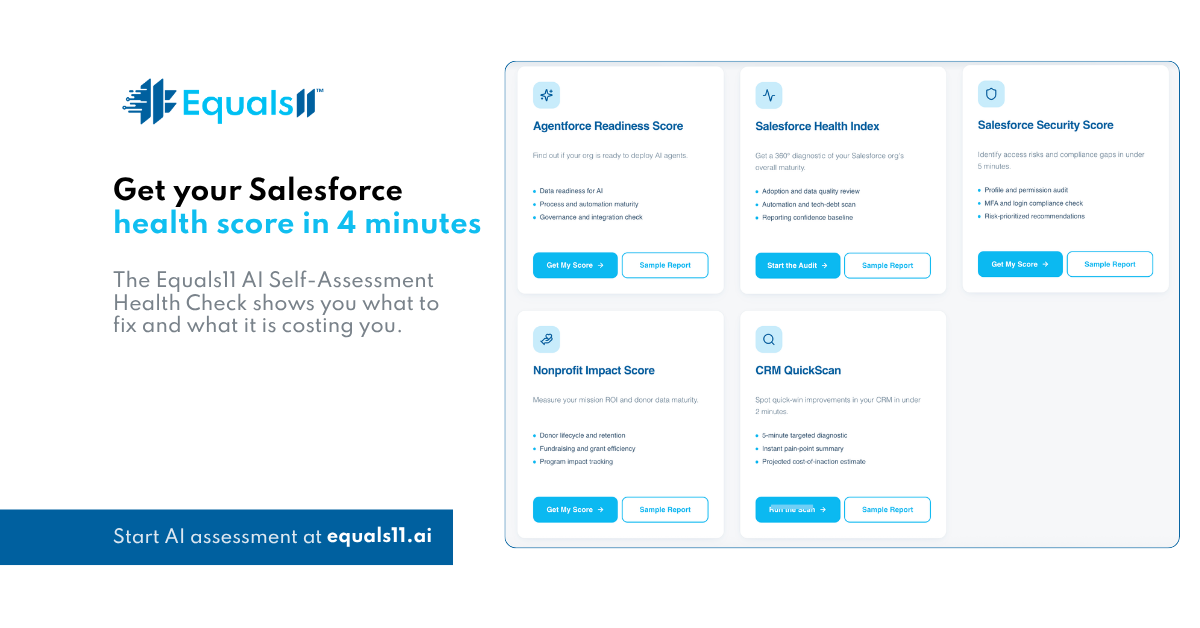
Take the assessment and walk into your renewal knowing exactly what you should be paying for. Salesforce should be a growth engine, not a renewal you approve without reading.
