
Why Agentforce fails in a messy Salesforce org
Leadership approved the Agentforce rollout. The license is active. Someone on the team sat through the demo and came back excited. Now the pressure is on to show results.
Three months later, the agents are live, but the output feels off. Recommendations don't match reality. Predictions are inconsistent. The team has quietly stopped trusting what the agents surface, and nobody wants to say it out loud in the next leadership meeting.
This is not an Agentforce problem. It is a foundation problem.
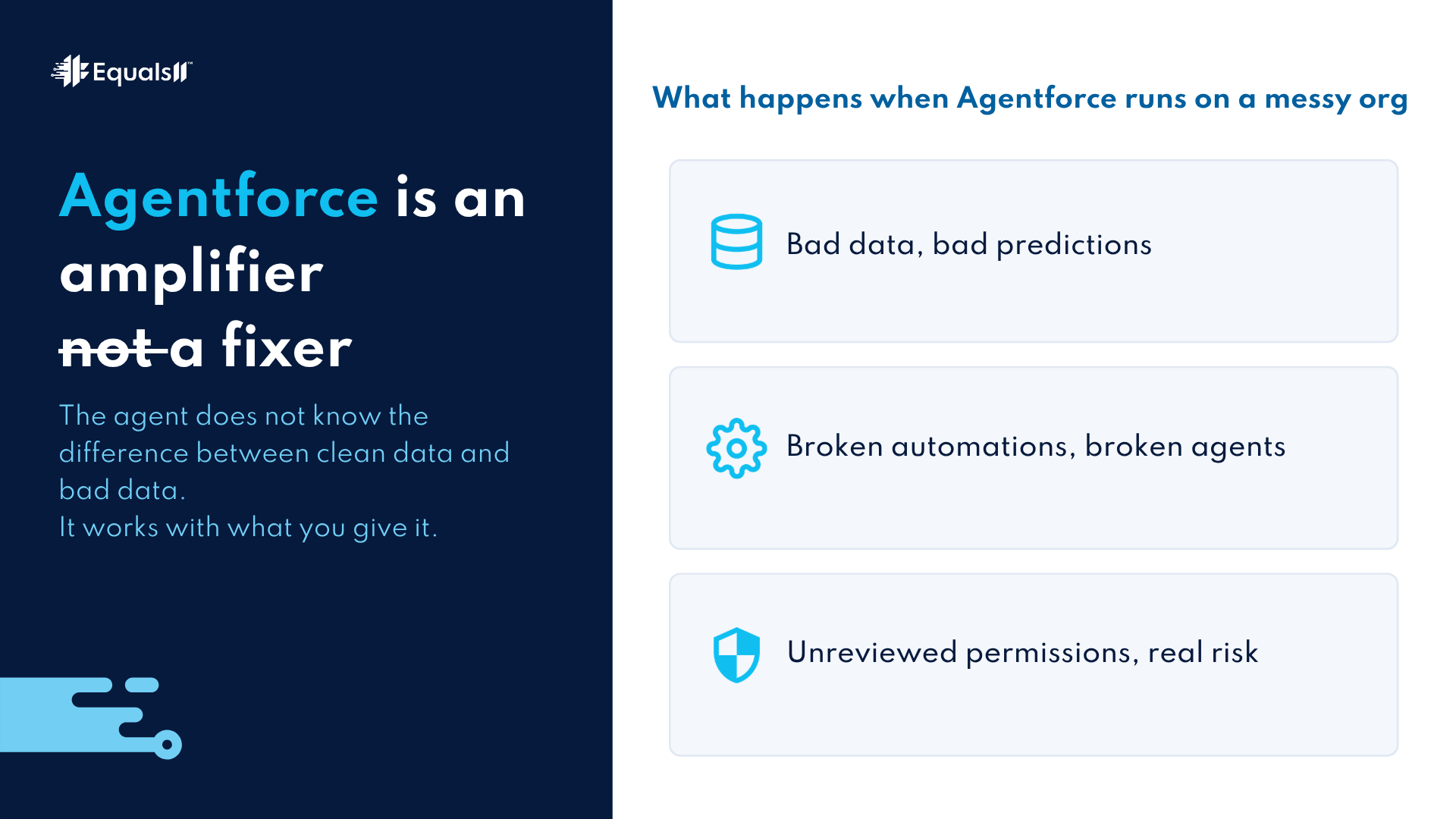
Agentforce is an amplifier, not a fixer.
This is the part of the sales conversation that rarely happens. Agentforce takes whatever exists in your Salesforce org and acts on it at scale. Clean, well-structured data with clear governance produces reliable, useful output. Messy data, overlapping automations, and inconsistent field values produce confident-sounding output that is wrong.
The agent does not know the difference. It works with what you give it.
A churn score built on incomplete activity data will flag the wrong accounts. A next-best-action model trained on duplicate records will recommend the wrong moves. An automated case routing agent operating inside a permissions model nobody has reviewed in two years will create compliance exposure you did not sign up for.
None of that is a product failure. All of it is a foundation failure.
What a messy org actually looks like
Orgs do not usually break in obvious ways. Salesforce keeps running. Users keep logging in. Reports still load. The problems are quieter than that.
Duplicate records that survive every cleanup effort because the entry points were never fixed. Flows built by four different admins over six years, none of them documented, some of them conflicting. Custom fields that no longer map to any active process but still feed reports that leadership relies on. Permission sets are layered on top of old profiles because nobody had time to do the migration properly.
Each of those issues is manageable on its own. Together, they create an org where the data underneath is not trustworthy. And Agentforce, running on that data, inherits every single one of those problems.
Weisiger Group cleared 30% of its change request backlog and reduced deployment times by 40% after structured foundation work. That kind of speed and reliability did not come from adding more tools. It came from fixing what was already there.
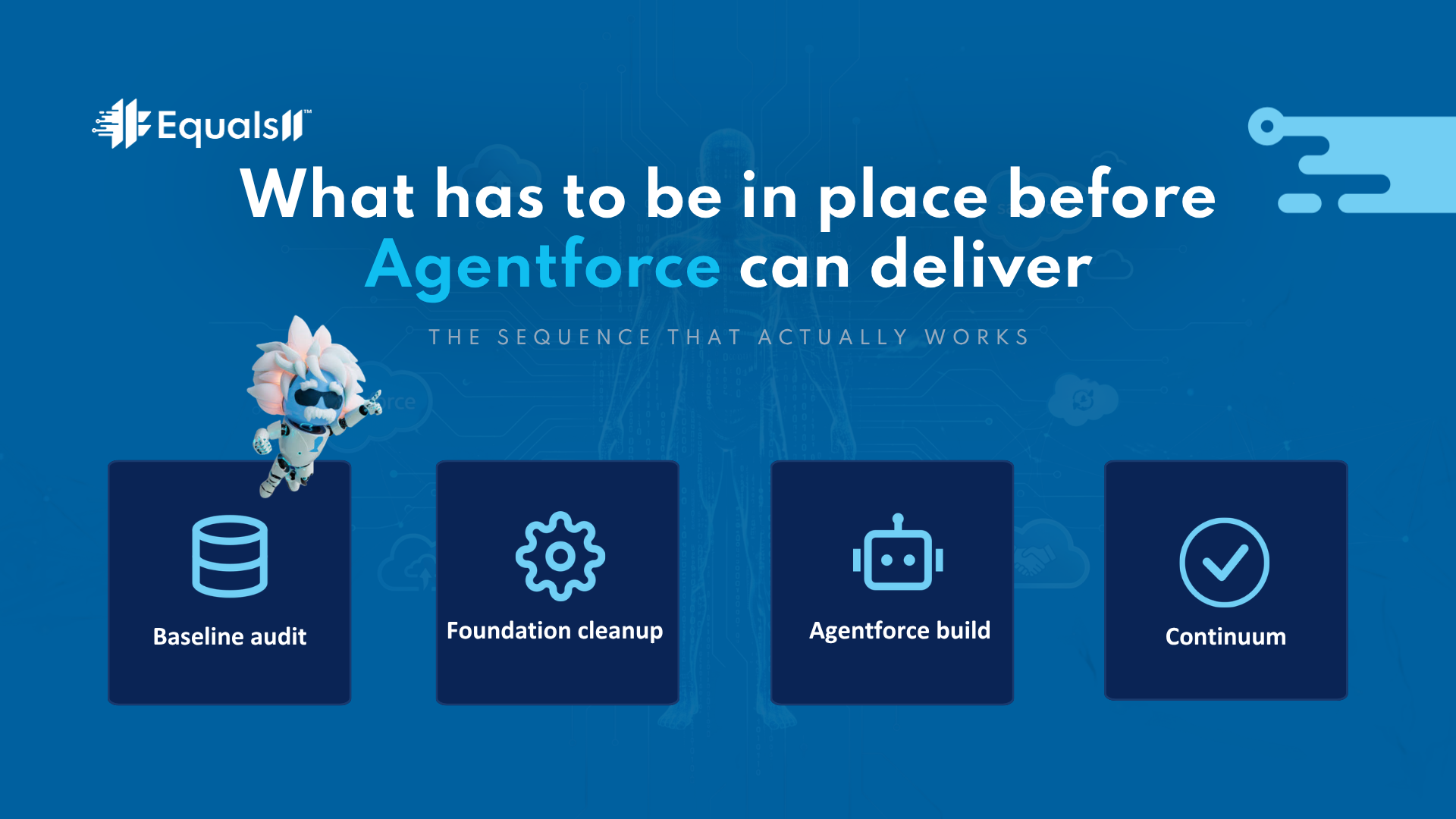
What has to be in place before Agentforce can deliver
Three things determine whether an Agentforce deployment returns real value or just creates expensive noise.
Data integrity is the first. The records Agentforce acts on need to be accurate, complete, and consistent. Duplicate accounts, missing fields, and stale data all become inputs. Garbage in, garbage out is not a cliché here. It is an accurate description of how the model behaves.
Automation governance is the second. Agentforce operates alongside your existing Flows, triggers, and process automations. If those are undocumented or conflicting, adding agents creates new failure points you cannot predict or trace. The automation layer needs to be mapped and rationalized before AI sits on top of it.
Access and permissions clarity is the third. Agents act within your org's permission model. If that model has not been reviewed, agents can surface data to the wrong people, trigger actions outside of the intended scope, or create audit findings that become a compliance issue. The security posture has to be clean before agents operate at scale.
The National Kidney Foundation got this right. Einstein Prediction Builder and Next Best Action were deployed on a foundation that had been assessed and prepared. The result was a Salesforce environment that moved from a data repository to a functioning AI-enabled CRM. Nick Duquette, VP of IT, described the work as efficient, professional, and results-oriented. The outcome was real because the foundation was real.
The sequence that actually works
Baseline first. This is a structured audit of your org across eight dimensions: data integrity, automation health, architecture alignment, reporting reliability, user adoption, security posture, governance clarity, and AI readiness. You get a clear picture of what is ready and what is not before a single agent goes live.
Autopilot follows. Once the foundation is solid, Autopilot builds the Agentforce or Einstein deployment against a real, measurable use case on a structured 12-week timeline. Strategy and readiness in weeks one and two. Foundation cleanup and AI build through week seven. QA and optimization in weeks eight and nine. Rollout and training to close.
After week twelve, Continuum managed services keep the deployment performing as the business shifts.
This sequence exists for a reason. Skipping Baseline to get to Agentforce faster is the most common reason deployments underdeliver. The audit is not overhead. It is what makes the AI work.
If you want the checklist version of what to assess before Agentforce goes in,this post covers the seven signals to look for.
Frequently asked questions
Why does Agentforce underperform even when the setup looks correct?
The setup being technically correct and the data being trustworthy are two different things. Agentforce can be configured properly and still return poor output if the records it acts on are incomplete, duplicated, or inconsistently structured. Most underperforming deployments trace back to data quality and governance issues, not to the product itself.
What does a messy Salesforce org actually cost an Agentforce deployment?
It depends on what the agents are doing. For a next-best-action model, bad data means wrong recommendations. For a case routing agent, governance gaps mean misrouted cases and potential compliance exposure. For a churn prediction model, duplicate and incomplete records mean the model learns the wrong patterns. In each case, the cost is a deployment that produces confident output nobody trusts, on top of a license investment that was supposed to deliver ROI.
How long does it take to get a Salesforce org ready for Agentforce?
It depends on the state of the org. A Baseline audit tells you exactly where you stand across eight dimensions in a structured, documented way. From there, the time to readiness depends on what the audit surfaces. Some orgs need targeted cleanup across two or three areas. Others need deeper architectural work. The audit prevents you from guessing and spending on cleanup in the wrong order.
What is the difference between Baseline and Autopilot?
Baseline is the audit. It assesses your org and tells you what has to happen before AI can perform. Autopilot is the deployment. It takes the findings from Baseline and builds Agentforce or Einstein against a real use case on a structured 12-week timeline. Baseline comes first. Autopilot runs on a foundation that has been verified.
Do we need Data Cloud before we can use Agentforce?
Data Cloud is the stated prerequisite for enterprise-scale Agentforce deployments, but it is not a requirement for every use case. The Baseline assessment determines your architecture's current fit. Some orgs can activate a meaningful Agentforce use case on their existing data model. Others need Data Cloud to support the scale they are targeting. We tell you which situation you are in before any build begins.
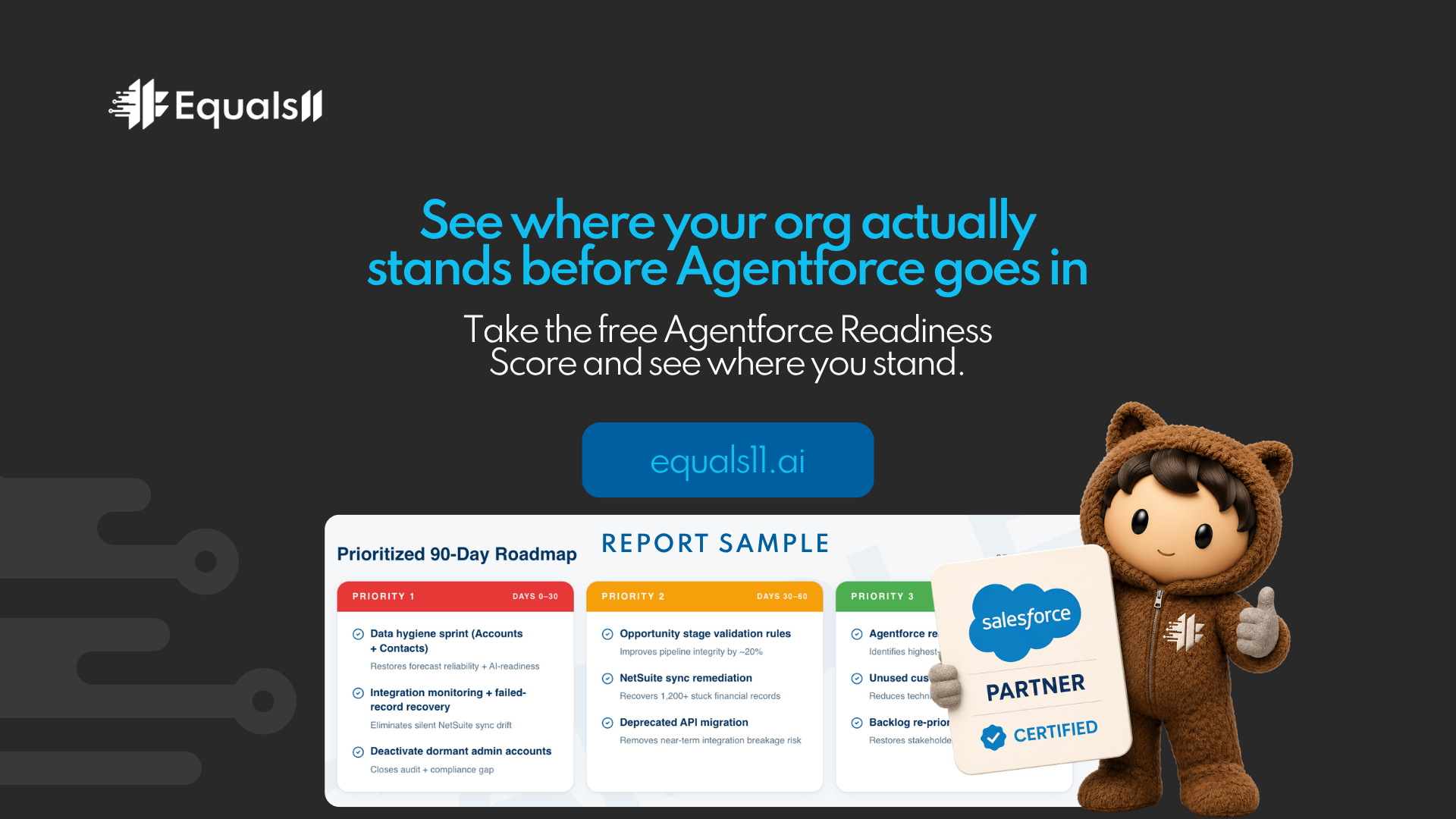
See where your org actually stands before Agentforce goes in.
The foundation question is not complicated. Either your org is ready for Agentforce, or it is not. The Baseline audit tells you which one. Autopilot builds on what the audit confirms.
Ready to go further? See what the Autopilot deployment looks like at equals11.com/autopilot or book a 20-minute AI Readiness Call with a Salesforce architect. We look at your environment, ask three questions about your data, and tell you exactly what comes before AI delivers a return.
Not ready for a call yet? Take the free Agentforce Readiness Score first. You get a score and a clear read on what needs to happen before the agents go in. No sales call required.
→Take the Agentforce Readiness Score at equals11.ai
