
How to back up Salesforce data before you lose it
A RevOps lead runs a bulk update to fix a picklist across 12,000 accounts. The column mapping is off by one. Account owners get overwritten in the process. Nobody notices for three days, because the records still look normal at a glance. By the time a manager flags the wrong owners, the Recycle Bin is already empty, and the original values are gone.
That distance between the loss and any clean way to restore it is the recovery gap. It comes down to one question almost nobody asks until the day it counts. Is your Salesforce data actually backed up, and could you get it back fast? In the orgs we audit, the honest answer is usually no. The gap stays invisible right up until someone needs it, and by then, the options are slow, expensive, or already closed.
Does Salesforce back up your data?
The assumption that trips up smart teams is simple. Salesforce is a trusted enterprise platform, so the data inside it must be safe. Salesforce does keep its own backups, but those exist for platform disaster recovery, not for your records. This is the shared responsibility model, and Salesforce states it plainly. Salesforce keeps the system running. The data in your org is yours to protect.
So when a user deletes the wrong records, or an integration overwrites a field, or a mass update goes sideways, Salesforce is not going to quietly roll your org back to yesterday. That part is on you. Salesforce points to its own numbers here. Around 60 percent of data loss comes from human error, not outages or attacks. The risk is not some rare catastrophe. It is a Tuesday afternoon and a misconfigured import.
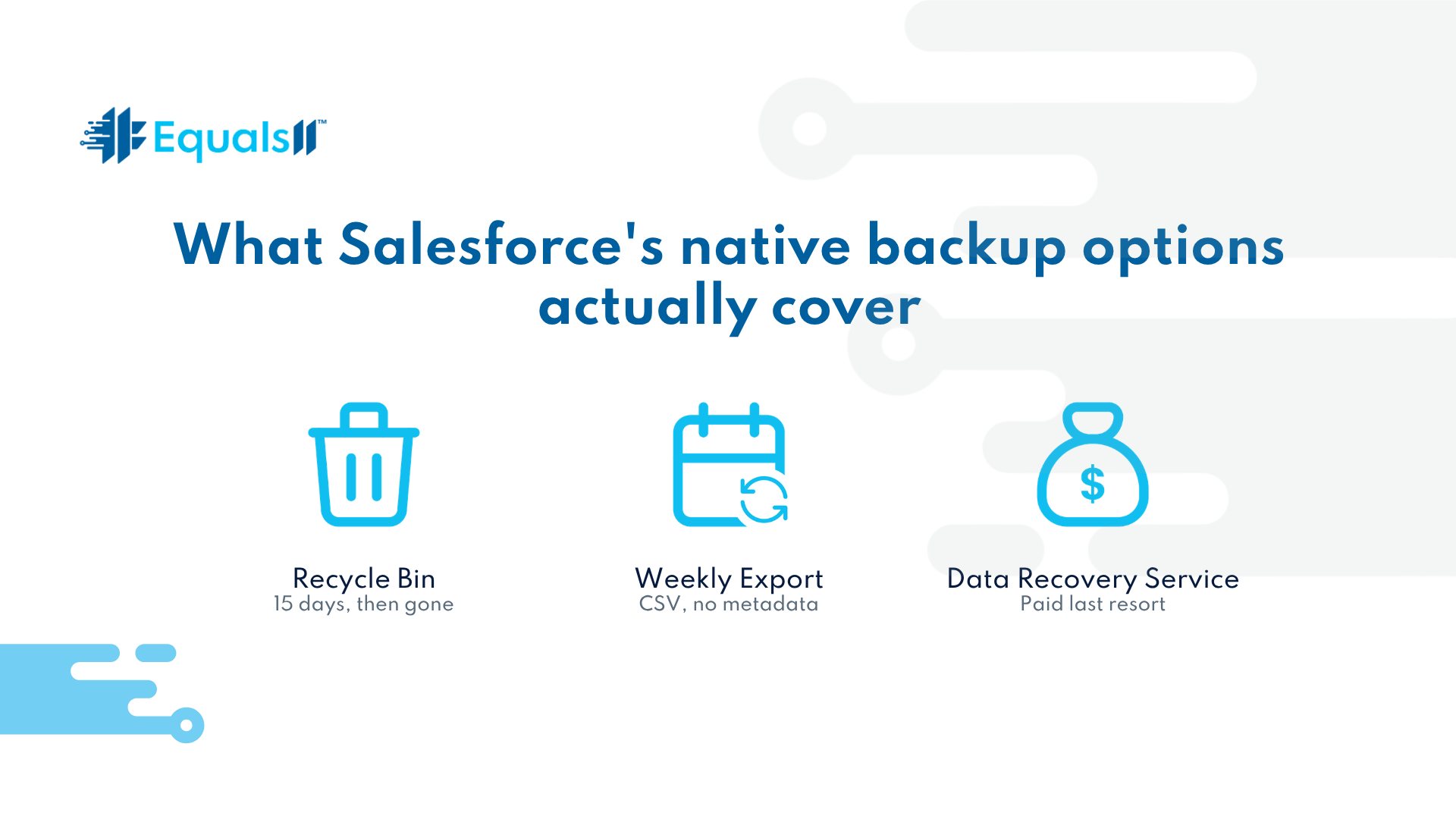
What Salesforce's native backup options actually cover
Three native options usually get mentioned when this comes up. None of them is a backup strategy on its own.
The Recycle Bin holds deleted records for 15 days in Lightning. After that, they are purged. The bin also has size limits, so a large delete can push older items out before the 15 days are even up.
The Weekly Export gives you a set of CSV files. It runs once a week, so the data can be up to seven days stale. It carries no metadata, which means none of your fields, layouts, validation rules, or automations come with it. Restoring is a manual job through Data Loader, and the order matters, or you break record relationships.
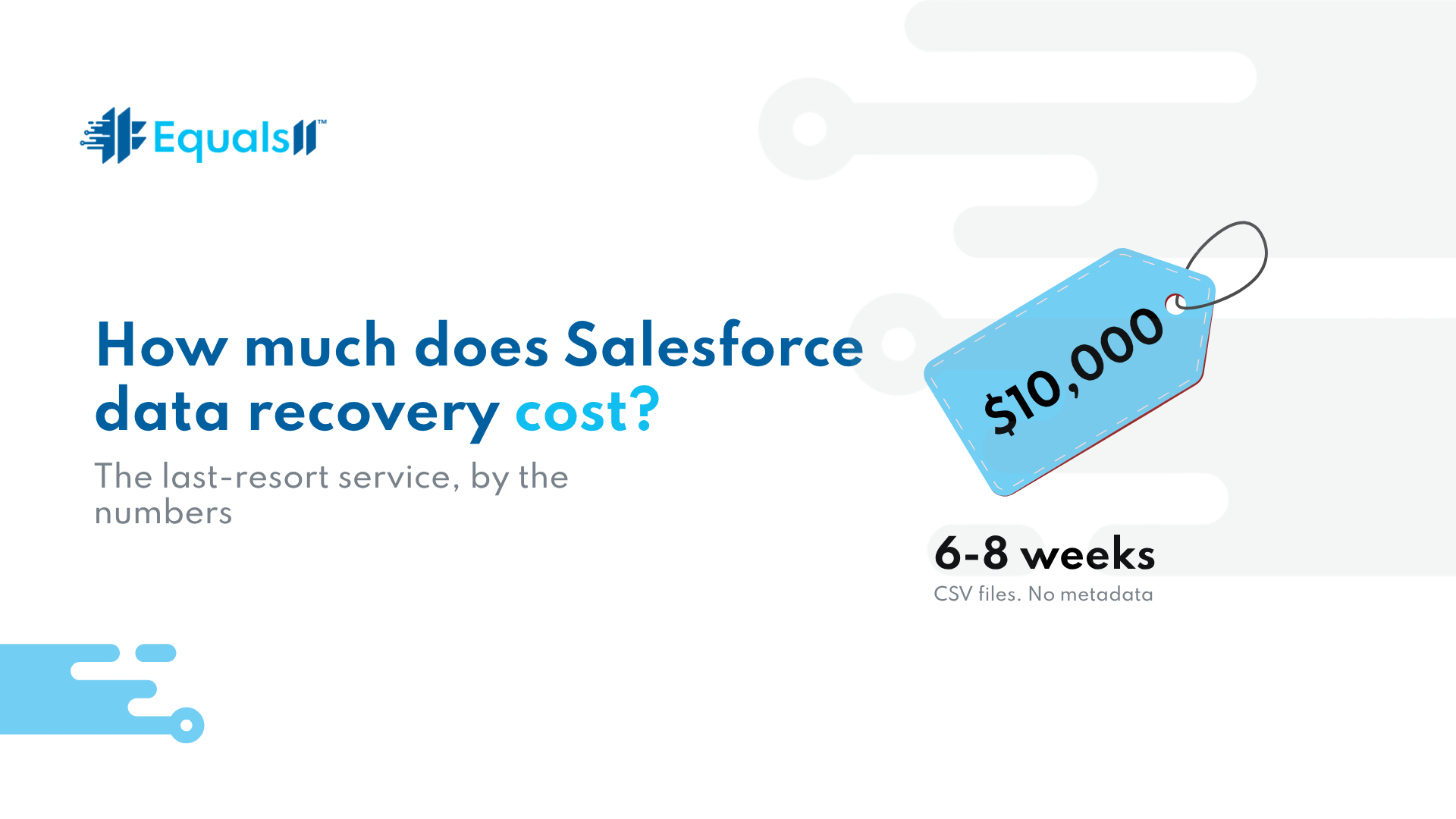
The Data Recovery Service is the true last resort. Salesforce will recover data at a point in time, but the terms are rough. It costs $10,000 per recovery. It takes six to eight weeks. It returns CSV files with your data and none of your metadata. It reaches back only about three months, and it does not guarantee full recovery. Salesforce is clear that customers should not treat it as their backup.
What Salesforce data loss really costs
Picture the bulk update again. Even if the records were recoverable, the bill is not just the recovery fee. It is six to eight weeks of operating on bad data while you wait. It is the manual rebuild of dashboards, reports, and the automations that depended on those fields. It is the sales team second-guessing the system the whole time. The platform keeps running, which is exactly what hides the damage. Salesforce rarely fails loudly. It fails in a column you were not watching.
How to build a real Salesforce backup policy
Closing the recovery gap is a decision made before anything breaks. Start with two numbers. How much data can you afford to lose, measured in time? And how fast do you need to be back? Those two answers set your recovery target. A weekly CSV will never meet a target measured in hours.
From there, the requirements get concrete. Back up data and metadata together, because a restore without your configuration leaves people staring at empty dashboards. Run it on a schedule that matches your risk, often daily, and take a snapshot before any high-risk deployment or mass update. Then test a restore. A backup you have never restored is a guess, not a safeguard.
Salesforce now sells paid native backup products, and there is a strong third-party ecosystem on the AppExchange. A tool can absolutely meet these requirements. It just will not fix what is underneath it.
Fix your data before you buy a Salesforce backup tool.
A backup tool faithfully captures whatever you point it at. Point it at an org with a tangled data model, duplicate-heavy objects, and no governance, and you get fast, reliable copies of the mess. When you restore, you restore the mess.
This is where the work starts for us. We audit the data model and the governance first, so the thing you are protecting is worth protecting. We define what actually needs backup coverage and how often. We document ownership, so the policy survives the next admin handoff. Then a backup tool sits on a clean foundation and does its job. The order is the whole point. Govern, then protect.
The orgs that recover fast are the ones that decided how long before anything broke.
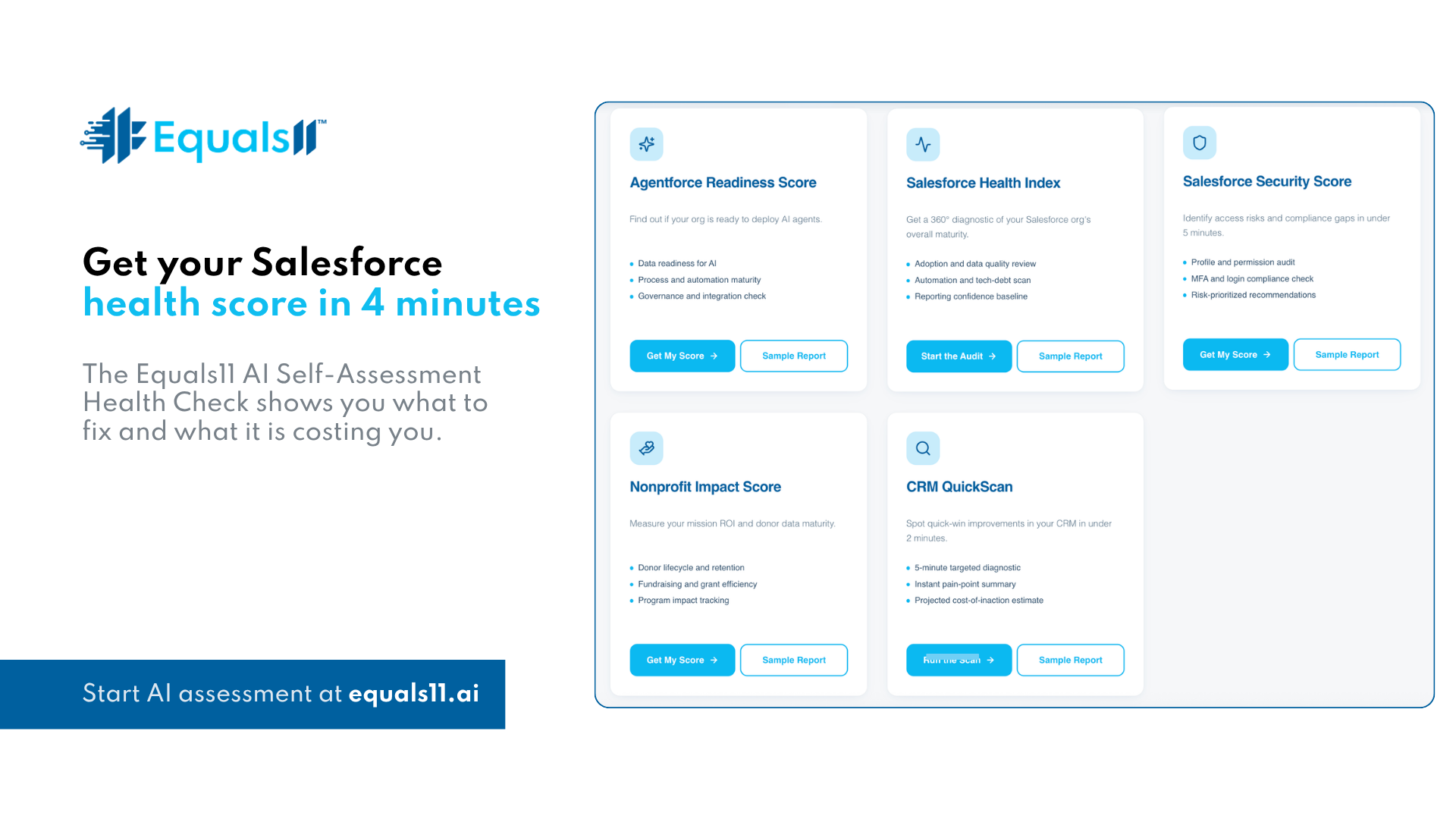
You do not have to guess where yours stands. The free Salesforce Security Score at equals11.ai shows you where your data is exposed and what a bad day would cost you. It takes a few minutes.
Frequently asked questions
Will Salesforce recover the data I accidentally deleted?
Only within limits. Deleted records sit in the Recycle Bin for 15 days, then they are gone. After that, Salesforce offers a paid last-resort recovery service that is slow and incomplete. Salesforce does not automatically restore your data. A fast, reliable recovery depends entirely on the backup you set up beforehand.
How long does Salesforce keep deleted records?
In Lightning, deleted records sit in the Recycle Bin for 15 days, then they are purged for good. The bin also has size limits, so a large delete can push older records out early. After that window, your only native fallback is the paid Data Recovery Service, which is slow and incomplete.
How much does Salesforce data recovery cost?
Salesforce runs a last-resort Data Recovery Service. It costs $10,000 per recovery, takes six to eight weeks, and returns CSV files with your data but none of your metadata. It does not guarantee full recovery and lasts for only about three months. Salesforce itself says do not rely on it as your backup.
Do I need a third-party Salesforce backup tool?
Native exports give you stale CSV files with no metadata and a manual rebuild on the way back. For a serious recovery target, a dedicated backup that captures data and metadata on a schedule is the practical answer. Clean up your data model and governance first, or you will simply back up the mess.
See where your org is exposed. Take the free Salesforce Security Score at equals11.ai.
