
Your sales team spent years learning where things live on a Salesforce record page. Soon, a growing share of them won’t need to open one. At Dreamforce, Anthropic’s head of enterprise, Scott White, described the shift in one line: “People don’t use the UI anymore; they just talk to Claude.”
That is the promise of headless Salesforce. The new interface layer, launched as AIforce and recently renamed SIforce, lets reps and agents read and update Salesforce from Claude, Slack, Microsoft Teams, or an assistant inside Lightning. Your data, permissions, and automation come along. A lot of what your admins built to keep that data clean does not. For a COO counting on AI to cut manual work, that gap decides whether the rollout saves money or creates a cleanup project.
The UI was doing more of your data governance than you think
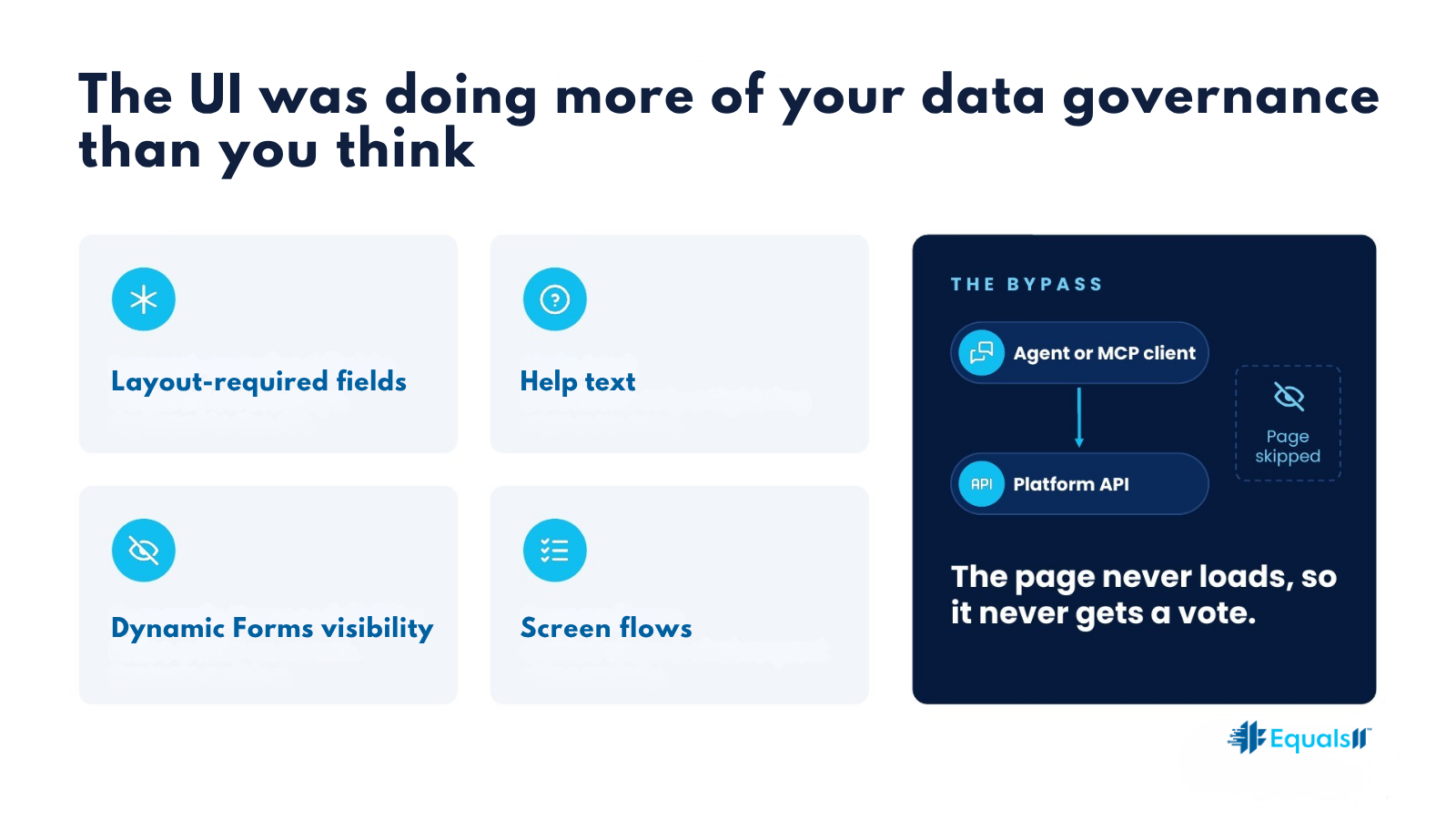
Over the years, a lot of Salesforce orgs put their guardrails on the page instead of in the platform. It was the fast option. An admin could mark a field required on the page layout in thirty seconds, with no validation rule to write and no deployment to schedule. Help text explained what “Qualified” meant. Dynamic Forms hid the renewal fields until the opportunity reached the right stage. A screen flow walked reps through the questions onboarding requires, in the right order.
Every one of those controls lives in the Lightning interface. When an agent or an MCP client updates a record, it goes through the platform’s APIs, not the page. Salesforce’s own documentation describes agent activity reaching the platform over MCP or direct API calls. The page layout never loads, so it never gets a vote.
The cost shows up slowly. It looks like records saved without the fields your forecast depends on, and a RevOps team chasing reps to fill gaps the old page used to block.
What follows your users into Claude and Slack
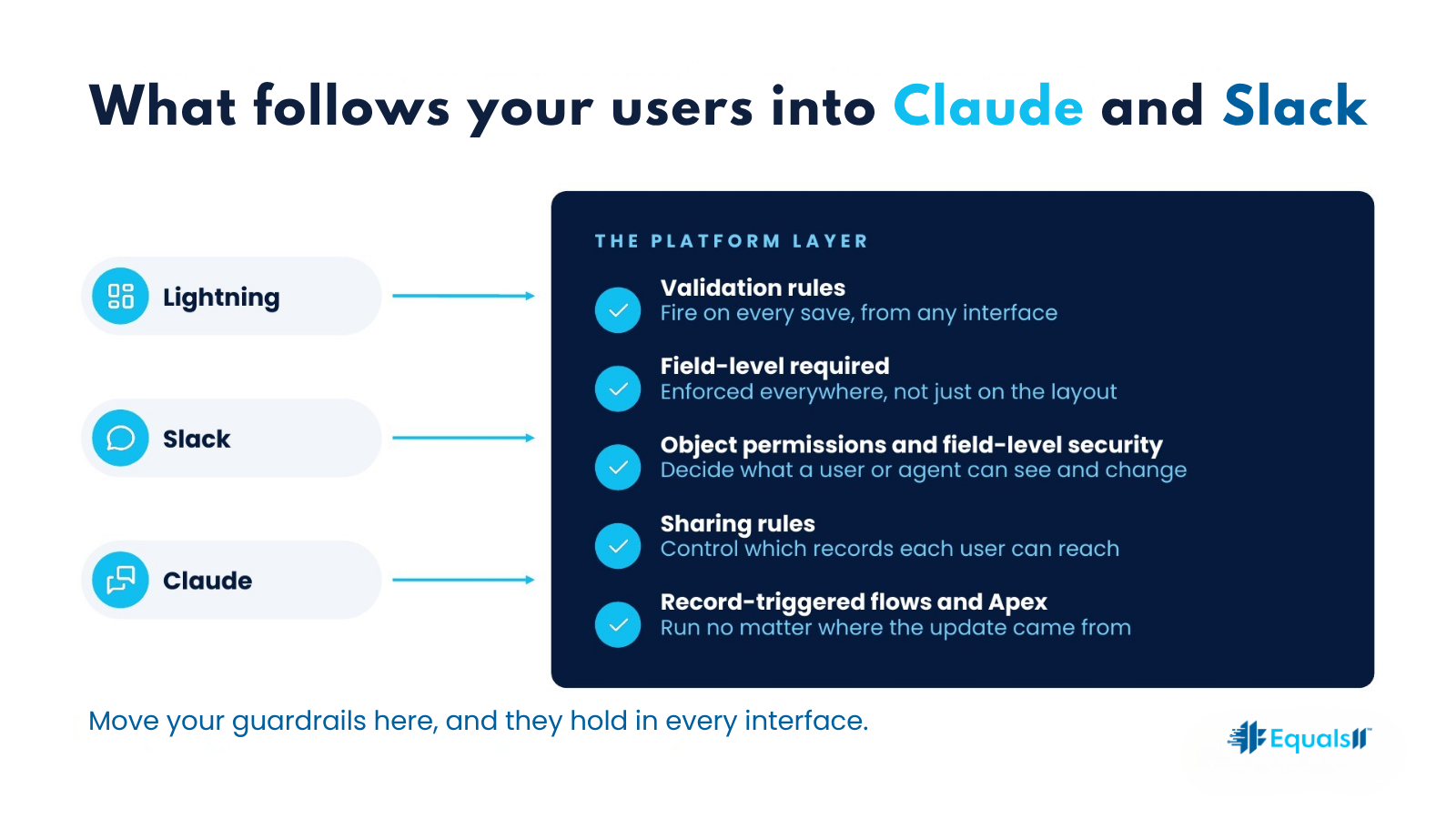
Some controls hold no matter where the request comes from, because they live in the platform itself. Validation rules fire on every save, from any interface. Fields marked required at the field level, rather than on the layout, are enforced everywhere. Object permissions, field-level security, and sharing rules decide what a user or agent can see and change. Record-triggered flows and Apex triggers run whether the update came from Lightning, Slack, or an API call.
Salesforce designed AIforce to lean on exactly this layer. Every request runs through the permissions and business rules already configured in the org. That is a real strength, as long as those rules are complete.
What stays behind on the page
Page-layout required fields are the biggest gap. The platform treats them as a UI setting, so an API save can leave them blank. Help text never reaches a rep who works in Slack, which means the definition of “Qualified” now lives wherever the rep’s memory puts it. Dynamic Forms visibility rules disappear too.
That last one carries a security trap. Hiding a field with Dynamic Forms or a separate page layout controls what a user sees on screen. It does not control what they can access. If field-level security still grants read access, an agent working for that user can read the field and repeat it in a Slack thread. Until agent registration arrives, Salesforce’s documentation says agents run under the identity of the person they assist, so they inherit that person’s access in full. Admins who used layouts as a privacy screen for compensation or margin data should check field-level security before anyone connects an agent.
Screen flows stay behind as well. If your intake, discount approval, or case escalation depends on a screen flow to collect the right answers in the right order, a rep who asks Slack to update the record skips the screens entirely.
Each of these gaps turns into labor. Someone has to find the incomplete records, someone has to explain the definitions again, and someone has to answer the audit question about who saw what.
How to move your guardrails into the platform
Start with an inventory. List every field marked required on a page layout but not at the field level, every Dynamic Forms visibility rule, and every screen flow that gates a business process. Your admin can pull most of this from Setup and the org’s metadata.
Then decide, field by field, what has to be true no matter who or what saves the record. Those rules move into the platform as validation rules or field-level required settings. Keep the conditions tight, such as requiring a loss reason only when an opportunity moves to Closed Lost, so you do not break integrations that legitimately save partial records. A common pattern is a bypass for trusted integration users, controlled by a custom permission.
Visibility needs the same treatment. Anything hidden for privacy reasons belongs in field-level security and permission sets, where it holds in every interface. Anything hidden only to reduce clutter can stay on the page.
Definitions need a home outside the page. Field descriptions and help text should say exactly what each stage, status, and score means. Agents that read your org’s metadata get far better context from a precise description than from a blank one, so treat a vague description as a defect.
Last, rebuild the guided processes. Screen flow logic that enforces order or completeness can often move into autolaunched flows or actions that an agent can call. The same rules then apply whether a rep clicks through the screens or asks Slack.
None of this requires a rebuild. It requires someone to decide which rules belong to the business and put them where every interface has to respect them. Headless Salesforce works well in orgs where the rules already live in the platform. In orgs where they lived on the page, it exposes every gap the page used to cover.
Equals11 audits where your guardrails actually live, moves the ones that matter into the platform, and stays on to run the org once your teams start working in Claude and Slack.
The team that maps the gaps is the team that closes them.
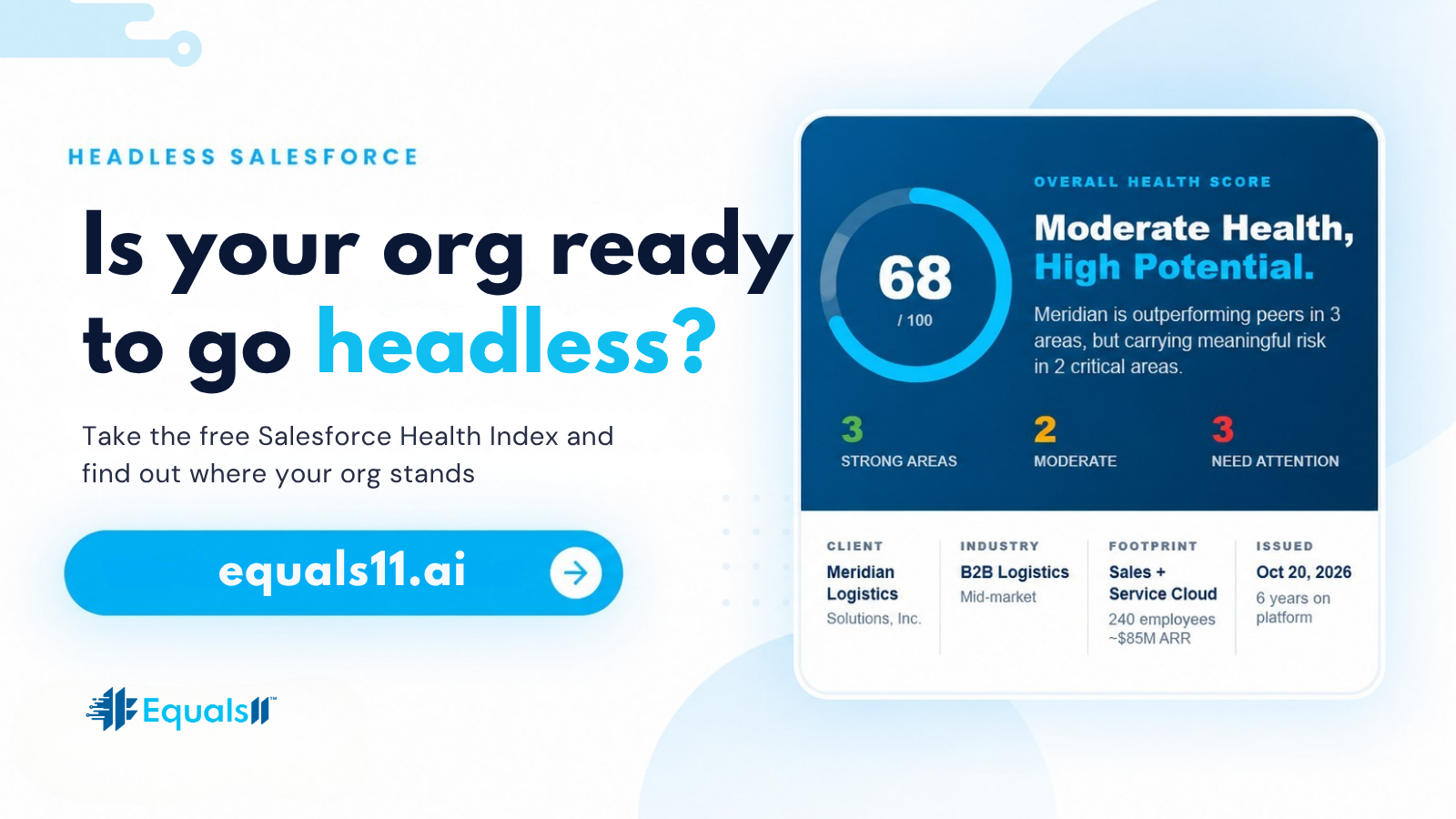
Before your teams go headless, see how your org holds up on data quality, security, and process. Take the free Salesforce Health Index at equals11.ai.
Salesforce is not expensive. Misalignment is.
