
Q1 2026 Salesforce optimization checklist
Specific Salesforce actions, backed by Salesforce sources.
Salesforce guidance is clear that platform value comes from intentional configuration, trusted data, and continuous iteration, not from adding features year after year. Q1 is the ideal time to reset the foundation.
Below is a Salesforce-specific checklist to start 2026 correctly.
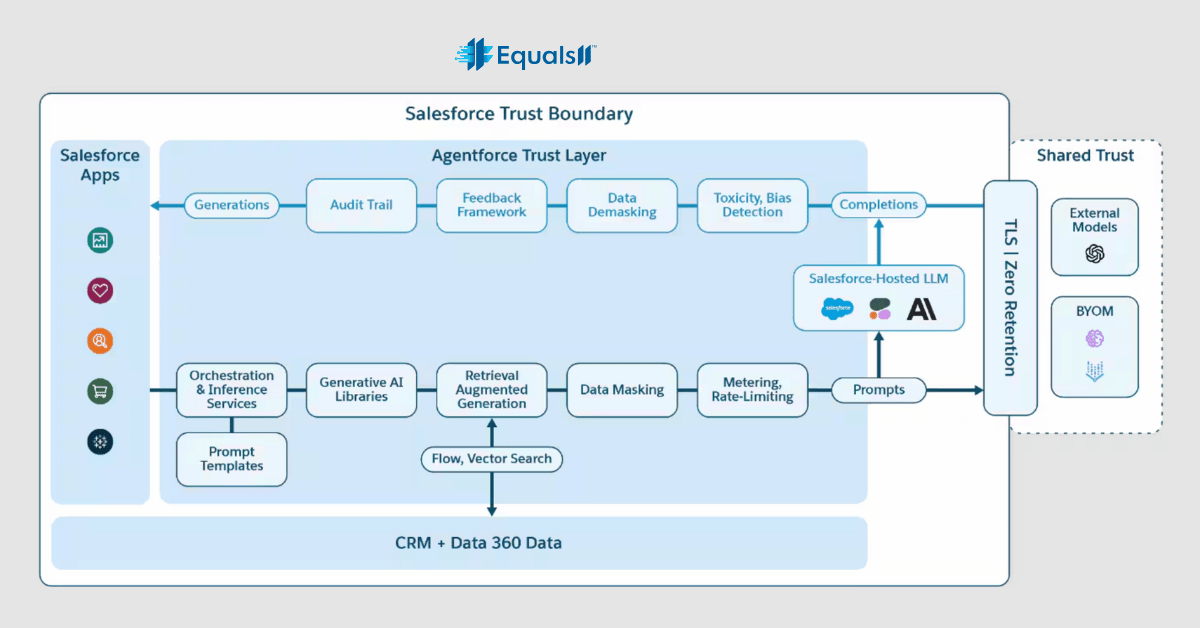
1. Audit unused and over-customized Salesforce components
Salesforce explicitly warns against unmanaged customization because it increases maintenance effort and slows releases.
In Q1, review:
Unused custom fields using Field Usage tracking
Inactive page layouts and Lightning record pages
Flows and Process Builder automations that no longer align with current processes
Apex code coverage for logic that is no longer business-critical
This reduces technical debt and improves system performance.
Source:
Salesforce Well-Architected Framework
2. Clean and standardize core Salesforce data objects
Salesforce states that analytics, automation, and AI accuracy depend on consistent data definitions.
In Q1, teams should:
Review required fields on core objects like Lead, Account, Contact, Opportunity
Align picklist values across business units to avoid fragmented reporting
Run Duplicate Management Rules and Matching Rules
Identify stale records using Last Modified Date and activity tracking
Poor data quality directly limits reporting accuracy and AI readiness.
Source:
Salesforce Data Quality Implementation Guide
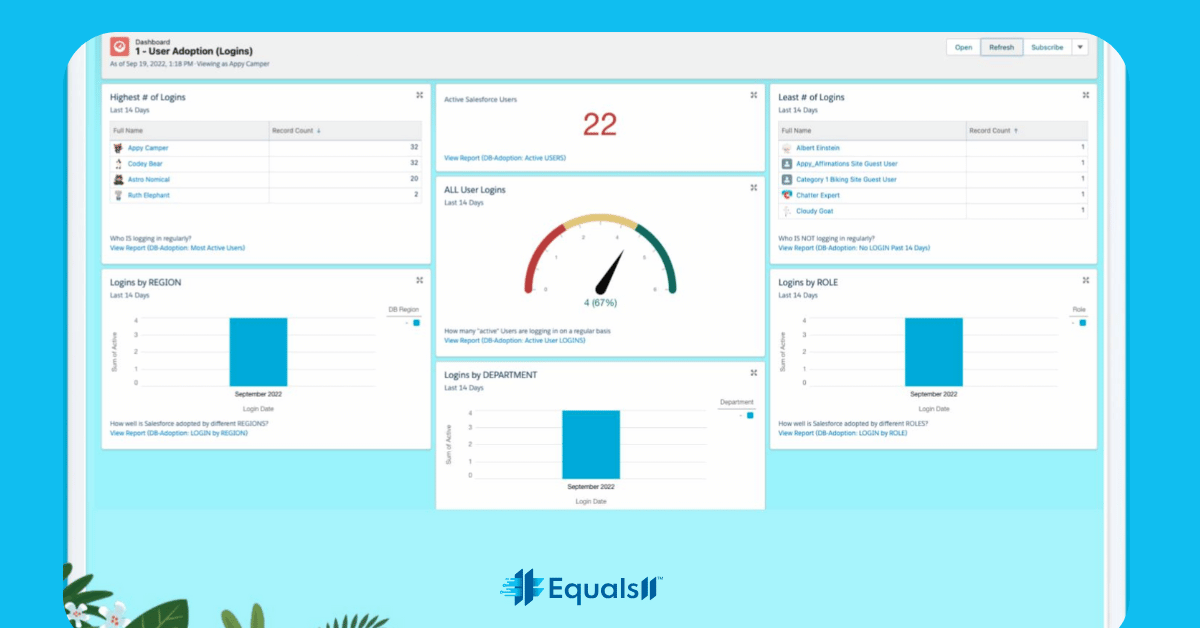
3. Review Salesforce user adoption using platform usage data
Salesforce provides native tools to measure real adoption, not assumptions.
In Q1, review:
Login History to identify inactive or underutilized users
Feature usage such as Reports, Dashboards, Flows, and Forecasts
Profile and permission set sprawl that may block access or confuse users
Feedback from users where Salesforce is bypassed with spreadsheets or email
Salesforce emphasizes that adoption is required for ROI and insight accuracy.
Source:
Salesforce CRM Adoption Best Practices
4. Revalidate reporting logic and dashboard trust
Salesforce recommends aligning dashboards directly with business definitions and KPIs.
In Q1:
Review dashboard source reports for outdated filters or logic
Confirm forecast categories, opportunity stages, and definitions match leadership expectations
Remove duplicate or unused reports to reduce noise
Validate report performance to avoid slow dashboards
Lack of trust in Salesforce reporting is usually caused by configuration drift, not tooling limits.
Source:
Salesforce Reporting and Dashboard Best Practices, 2023
5. Optimize Salesforce automation before adding more
Salesforce advises that automation should support stable, clearly defined processes.
In Q1:
Review Flow entry criteria to ensure automations trigger only when appropriate
Identify automations that fire on incomplete data
Consolidate overlapping Flows and remove deprecated Process Builder logic
Confirm ownership and documentation for each automation
Automation built on outdated logic creates friction and user distrust.
Source:
Salesforce Flow Best Practices
6. Prepare Salesforce data and processes for AI features
Salesforce AI guidance makes it clear that readiness matters more than speed.
Before expanding AI usage in 2026:
Confirm data completeness on AI-driven objects
Standardize processes across teams that feed AI models
Identify use cases where AI recommendations can be measured
Establish governance for testing, monitoring, and refinement
AI amplifies existing data and process quality, good or bad.
Source:
Salesforce AI Readiness Guide
7. Define a Salesforce optimization cadence for 2026
Salesforce Customer Success guidance emphasizes ongoing iteration over project-based fixes.
By the end of Q1:
Define a quarterly Salesforce review cadence
Assign ownership for data, automation, and reporting
Track outcomes tied to business metrics, not features
Plan reviews around Salesforce seasonal releases
This ensures Salesforce evolves with the business rather than lagging behind it.
Source:
Salesforce Customer Success Framework
Why this checklist matters for 2026
Salesforce continues to evolve rapidly through AI, platform releases, and expanding capabilities. Salesforce’s own guidance consistently shows that organizations that maintain clean data, controlled automation, and high adoption extract more value than those that simply add features.
Starting 2026 with a focused Q1 optimization checklist ensures Salesforce remains a trusted, scalable system rather than a growing source of complexity.
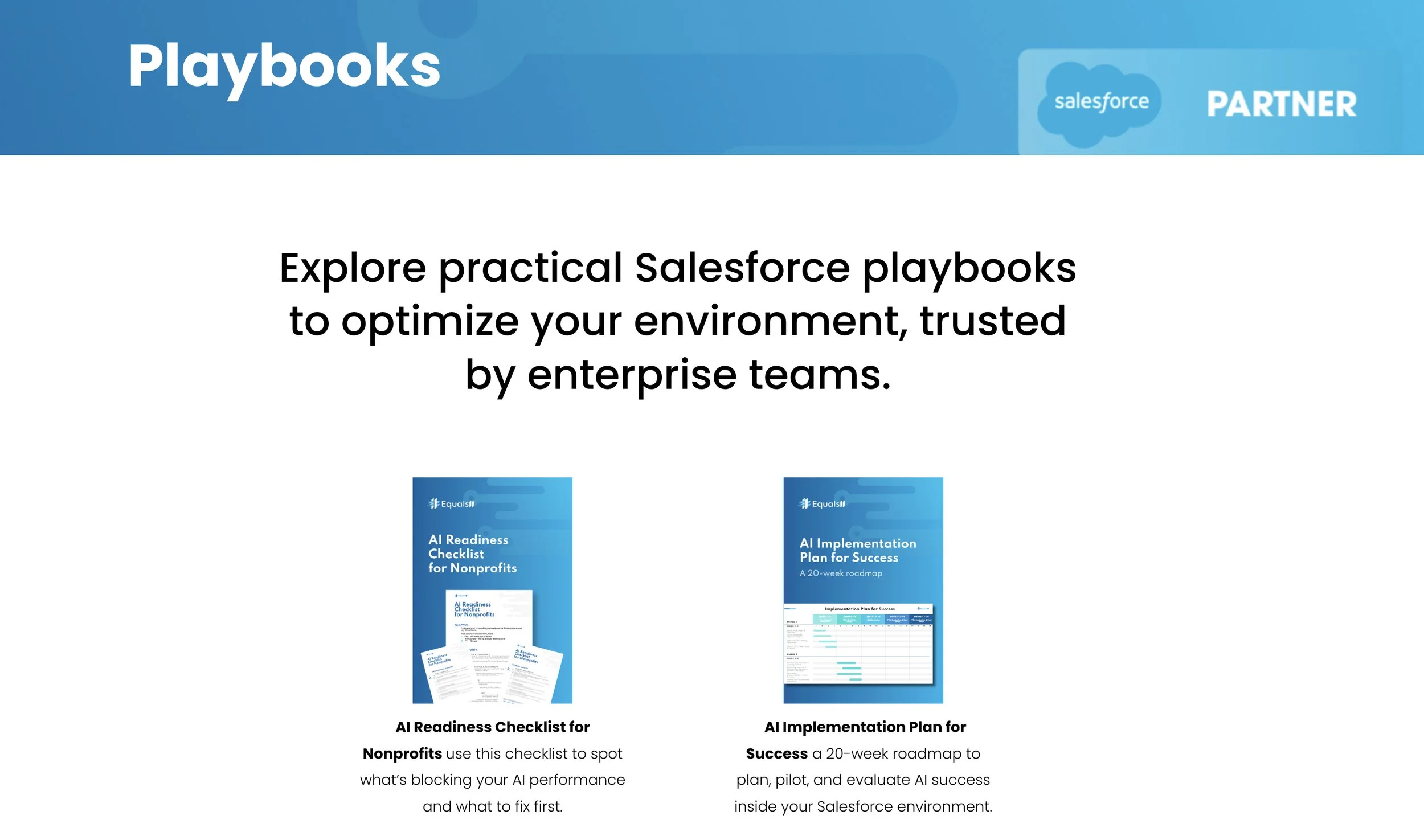
For teams planning to expand AI usage, this checklist should be used alongside our AI readiness checklist for Salesforce, which outlines the data, process, and governance requirements needed before enabling AI features.
You can review the AI readiness checklist here.
Not sure how your Salesforce environment stacks up against this checklist?
In a 20-minute conversation, Equals 11 can help you identify where complexity, data issues, or adoption gaps may be holding you back and what to prioritize next.
