
The short answer: Shadow CRM is any deal or account tracking that bypasses Salesforce. Spreadsheets, Slack lists, and side databases all count. It shows up when the official system is slow, wrong, or politically unsafe for the people who use it. You find it with curiosity and usage signals. You shut it down by moving the job the shadow tool was doing into Salesforce. Punish the reps instead, and the sheets go underground.
Why shadow CRM shows up after a big SI implementation
Shadow CRM is a parallel version of the truth, kept outside the system you paid for.
After a large systems integrator (SI) implementation, it is almost predictable. The SI built the system around the demo path, and the real sales motion still needs a sheet. The cost lands on leadership. You paid for one system of record, and the forecast still comes from a file nobody audits.
How to detect it without drama
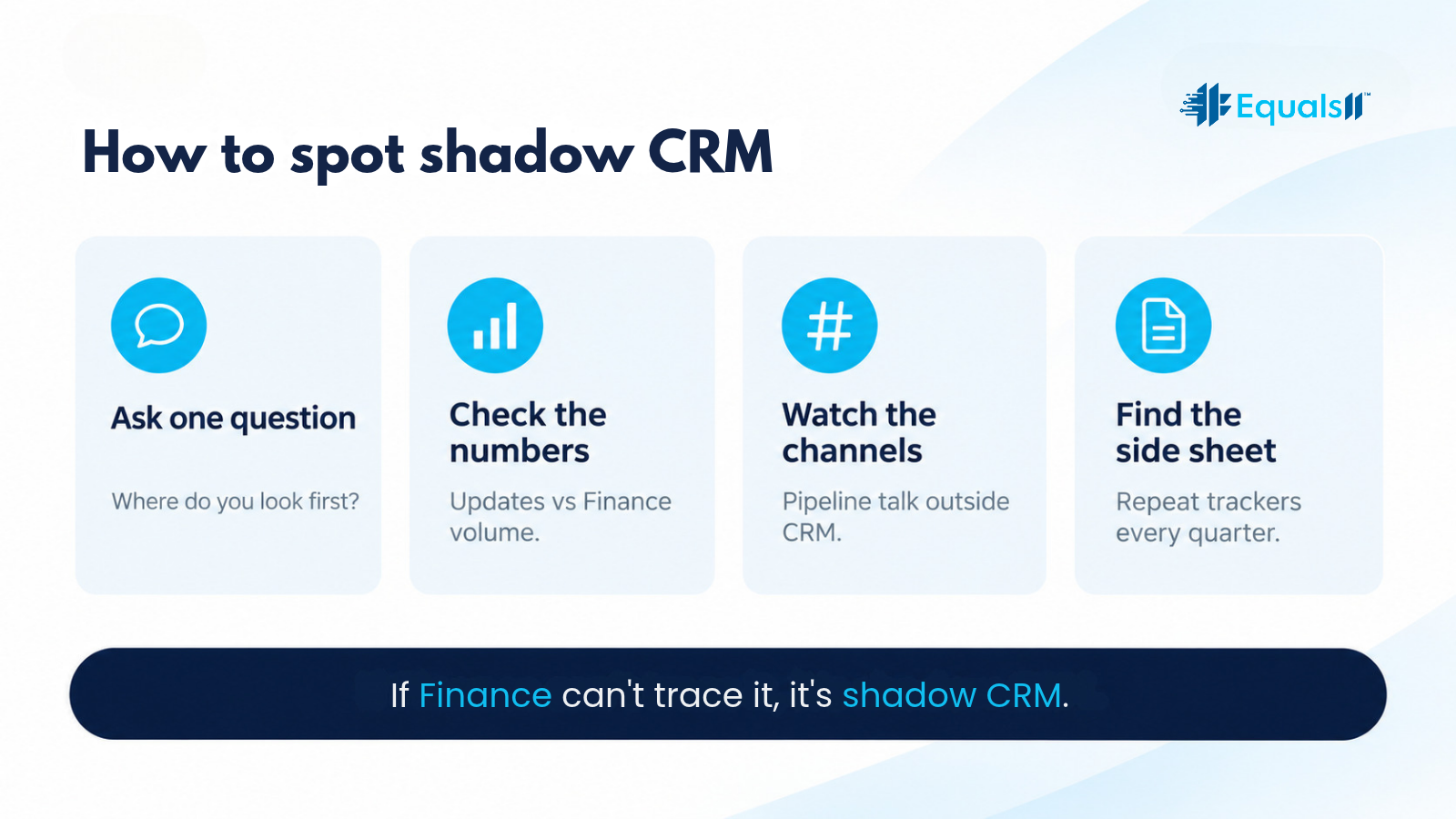
Start with one question for each manager: “Where do you look before the forecast call?” Then listen, and do not correct them mid-sentence. Their answer tells you where the real pipeline lives.
Then check the numbers. Compare opportunity creation and update rates against the deal volume Finance recognizes. The gap between them is work that happened somewhere other than Salesforce. Look for Slack channels that behave like pipeline reviews, complete with pasted tables. Look for personal Google Sheets shared “just for this quarter” that somehow renew every quarter. Each one is a forecast input Finance cannot trace back to a record.
Fix the root causes first.
Every shadow tool exists because it does a job Salesforce does not. After an SI go-live, the usual culprits are specific. The stage model does not match the real sales motion. The mobile or quote path takes more effort than opening the sheet. Fields were built to make the SI demo look complete, and the rep’s next action has nowhere to live. And leadership still accepts spreadsheet forecasts in the meeting that matters most.
Shame fixes none of these. Each one is a design gap, and each one costs you forecast calls spent reconciling two versions of the pipeline.
The shut-down playbook
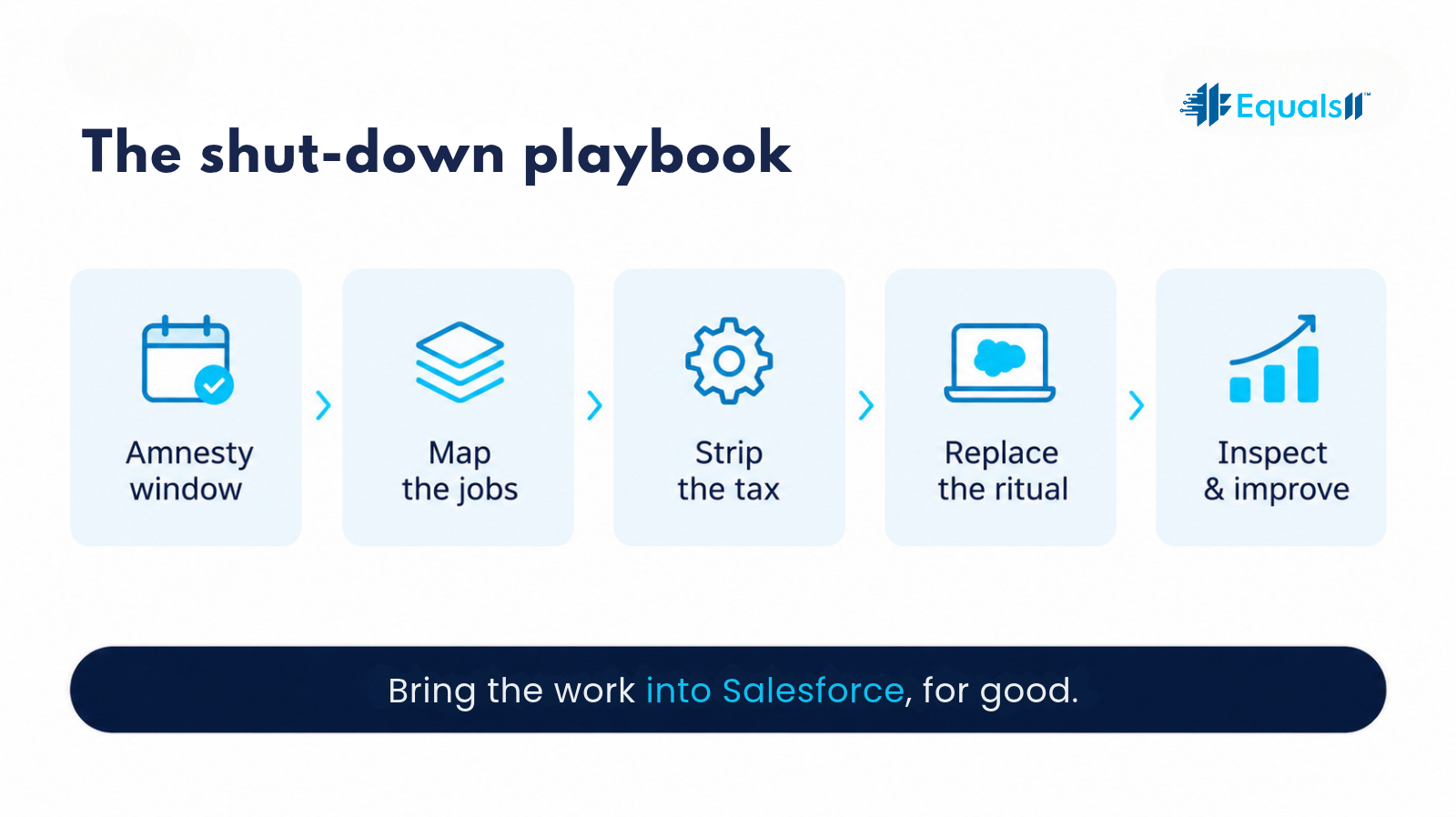
Start with a two-week amnesty window. Invite every shadow tool into the light, and put in writing that nobody gets punished for disclosing one during the window. Then map the jobs. For each sheet, write down what it does that Salesforce does not: sorting, commentary, multi-product math, partner splits. Pick the top two and fix them inside Salesforce first.
Next, strip the tax. Remove or automate any field that does not serve exit criteria or the forecast. Then replace the ritual. Pick a date, announce it, and from that day, forecast calls run on Salesforce views only.
After cutover, inspect gently. Sample records, coach the gaps, and tighten the standard over time. Then close the loop by publishing what you fixed. People who disclosed a sheet should see that it paid off.
If stage definitions are part of the problem, our posts on stage exit criteria and why pipeline numbers differ go deeper.
How it goes wrong
Here is a pattern we see in mid-market teams. A CRO bans spreadsheets by email. Top reps go quiet, then rebuild their trackers in personal drives. Forecast accuracy gets worse, because now leadership sees neither the shadow nor the truth.
The other common mistakes follow the same logic. A compliance campaign that shames top performers who used sheets to hit their number teaches everyone to hide the next one. Deleting shared drives without a replacement for the job they did just moves the job somewhere else. Adding required fields as punishment raises the same tax that created the shadow in the first place. Amnesty plus a fix for the underlying job beats prohibition every time.
A coaching note for the CRO
If you still open a sheet before the forecast call, you are the root cause. The same goes for announcing “Salesforce only” while you forward a personal tracker to Finance. Teams copy what leaders actually use. Change your own ritual first, and the enablement posts start to mean something.
What good looks like
Reps choose Salesforce because it is the fastest way to get a quote out and get credit for the deal. Nobody had to threaten them. Managers stop asking for side sheets because the official view answers the same questions faster.
Training completions will not tell you if it worked. Behavior will. After cutover, track three things: sheet links posted in forecast channels, export volume on opportunity lists, and what managers open in the first fifteen minutes of the forecast call. Those are your real adoption metrics.
FAQ
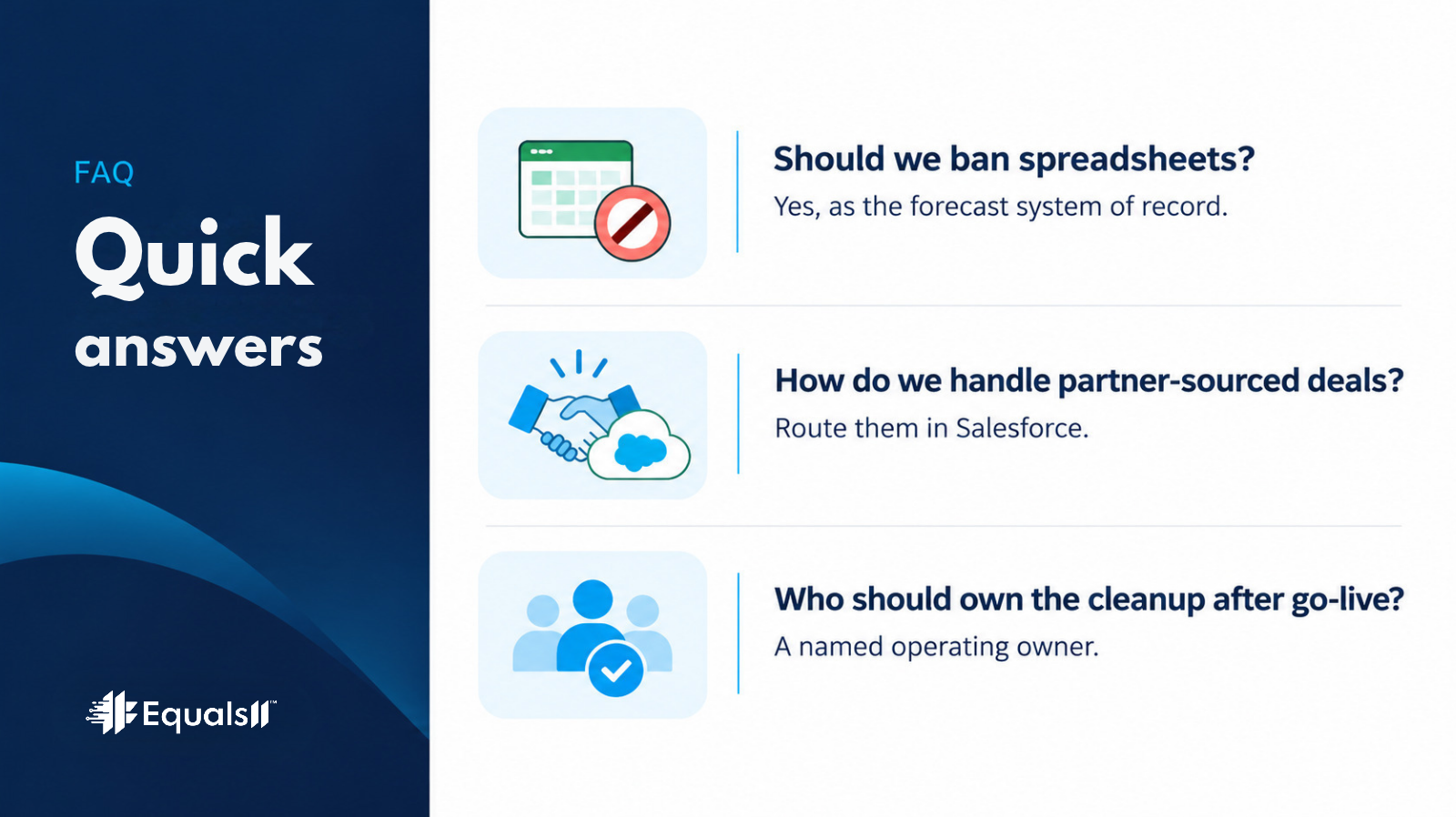
Should we ban spreadsheets?
Ban spreadsheets as the system of record for the forecast. Leave the thinking tools alone.
How do we handle partner-sourced deals?
Design that path in Salesforce. Partners should never become a permanent shadow channel.
Who should own the cleanup after go-live?
A named internal operating owner, backed by a change forum. Our post on what governance must exist when hypercare ends lays out the minimum pack. More answers are on our FAQs page.
Where this fits in the Growth Engine
Our Growth Engine runs in a set order. The Baseline makes the shadow CRM problem measurable without months of discovery. The Intelligence Blueprint turns what we find into a ranked operating plan. Execution builds only what is actually warranted. Continuum keeps ownership from evaporating when people, vendors, and products change.
Start with a Baseline
Start with a no-cost Baseline Assessment at equals11.com/baseline. We’ll show you where your team is working around Salesforce, which jobs the side sheets are doing, and what to fix first. The goal is a forecast that lives in one place, with one owner accountable for keeping it there.
Jim Marascio is Principal & CEO of Equals11, a Salesforce-focused consulting firm specializing in platform and AI strategy, business alignment, and managed services for the mid-market.
