
How to migrate off Open CTI without downtime
A voice migration does not fail during planning. It fails at 8 a.m. on cutover day, when the first call routes to a queue that no longer exists.
By now, you have done the audit and know what depends on Open CTI. The move itself is the risky part. Here is how to make it without the contact center going dark.
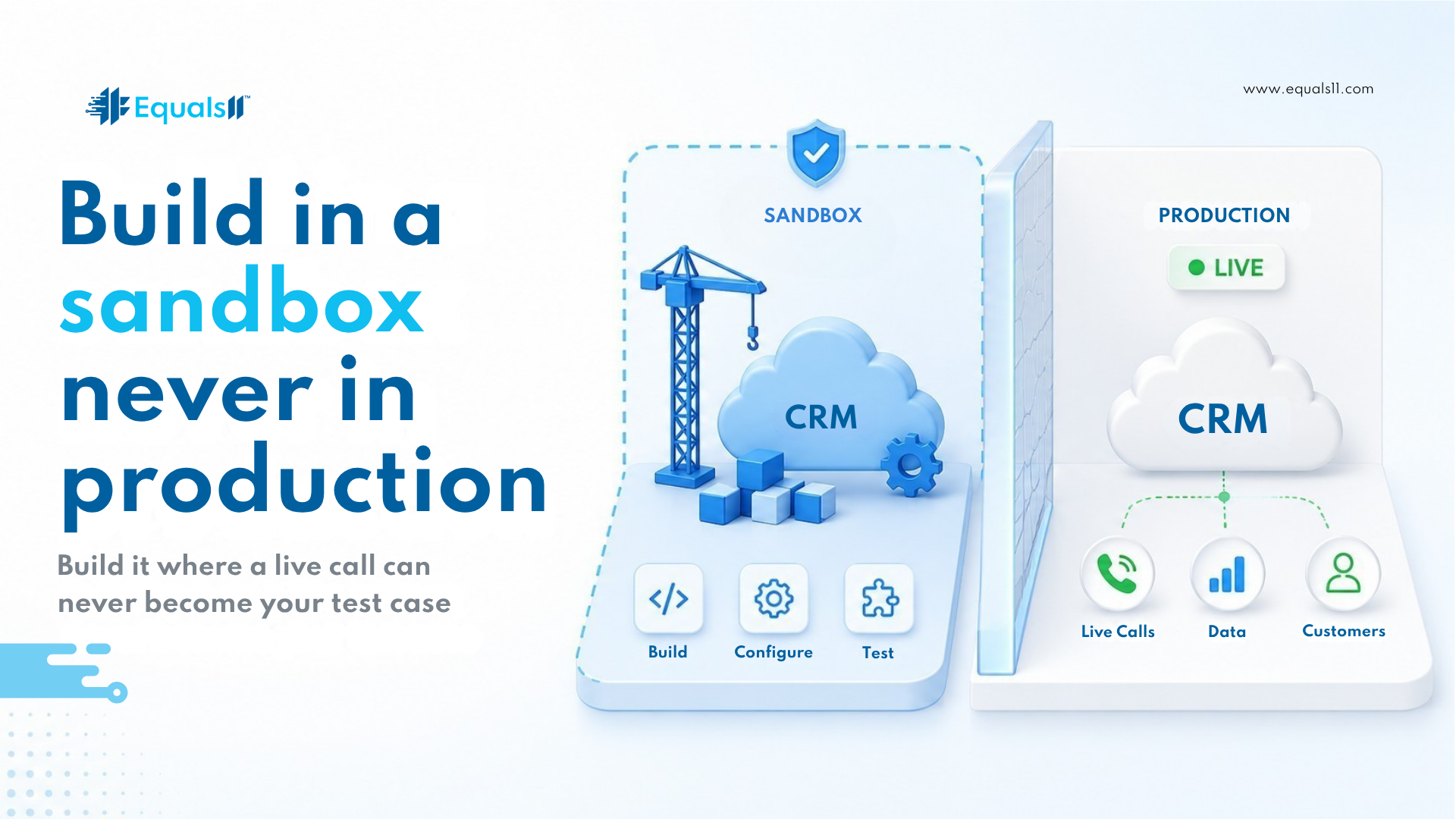
Build in a sandbox, never in production.
Take your keep-and-redesign decisions and build them in a sandbox that mirrors production. Wire the routing, screen pops, layouts, and integrations you kept. Built-in production and a live customer call become your test case. That is how a migration becomes an incident.
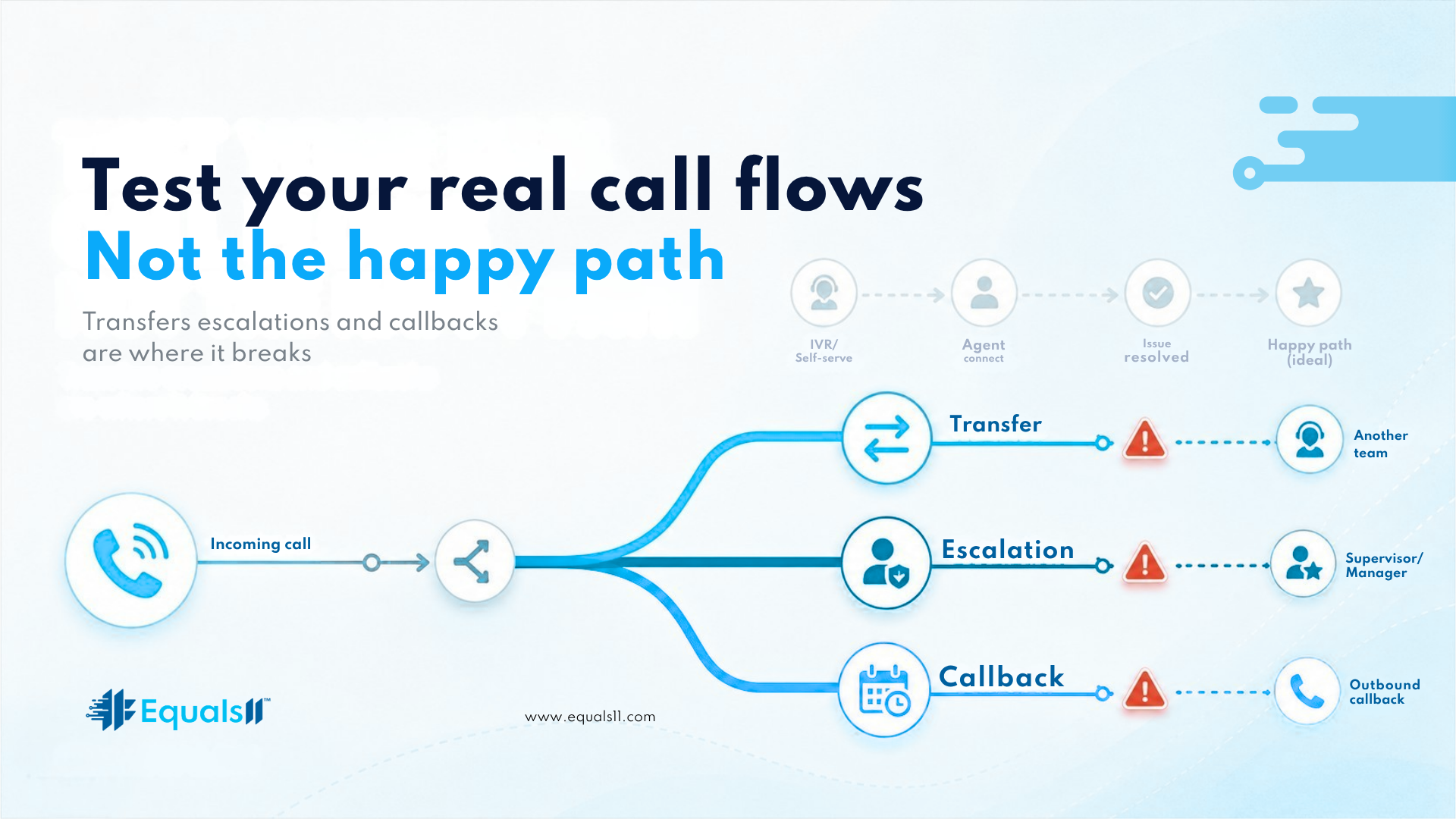
Test your real call flows.
A happy-path demo proves nothing. Test the messy paths: a transfer between queues, an escalation that carries context, an after-hours call, a customer who drops and calls back. Confirm that the reports you rebuilt populate, and the integrations you kept still write their data.
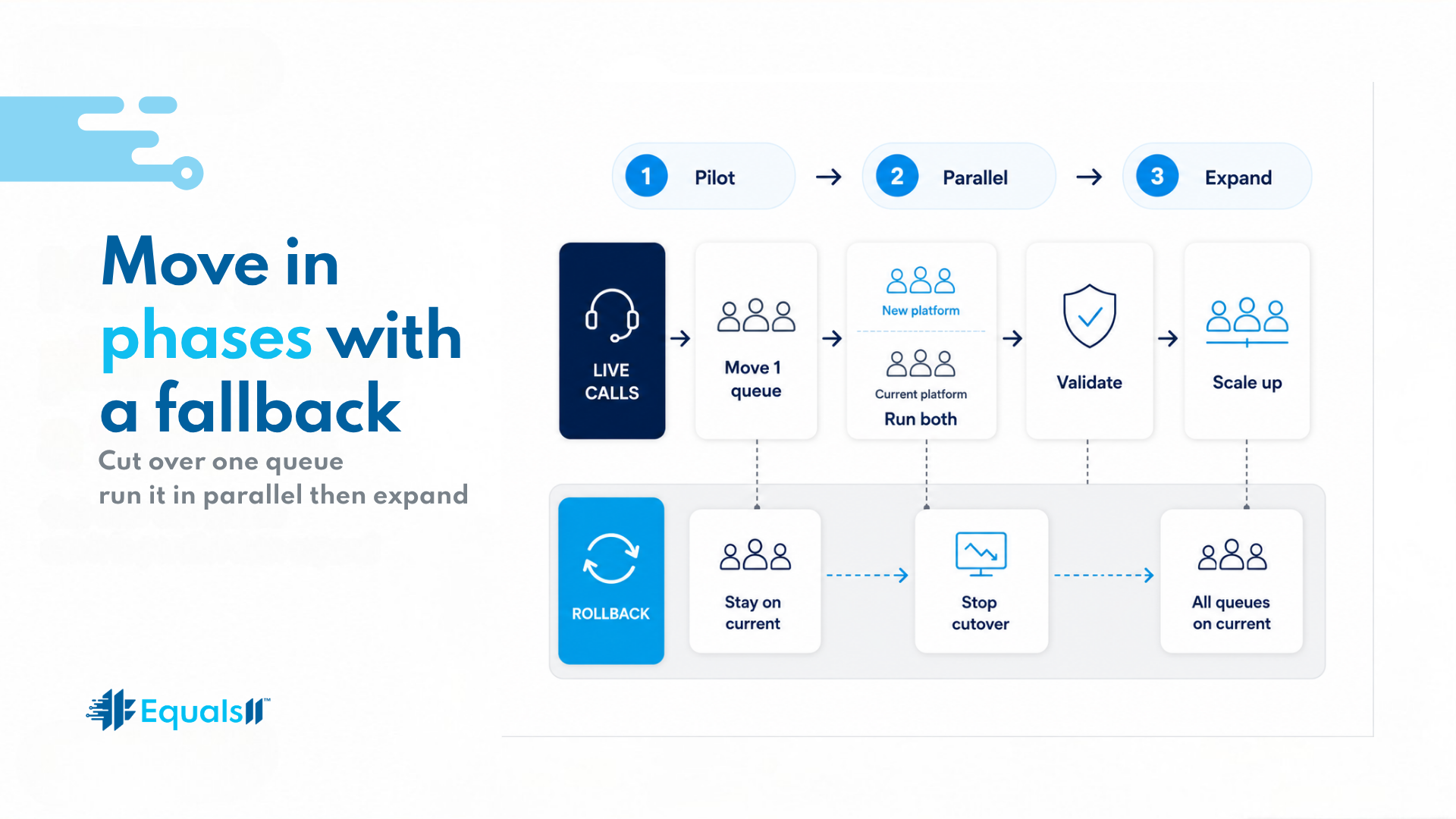
Move in phases
Flipping the whole contact center in one night is the riskiest way to do this. Move one queue or team first, run it beside the old setup, then expand once it holds. Keep a fallback for each group, so that a problem is a quick rollback instead of a floor-wide outage.
Train agents before go-live
The new panel looks different, and routing behaves differently. A rep learning that on a live call is a poor experience for everyone. Walk the team through the console before cutover and give them a one-page reference for what changed.
Watch the first days.
Go-live is not the finish line. Edge cases surface in the days after. Keep the migration team close and watch the dashboards you rebuilt. A report that goes quiet is usually the first sign that something did not carry over.
Where Equals11 fits
We build the target state from your audit, test it against your real call flows, and run a phased cutover so the contact center keeps taking calls the whole way. You migrate off Open CTI once. Doing it cleanly is the point.
Frequently asked questions
Can I migrate off Open CTI without downtime?
Yes, with a phased approach. Move one team or queue at a time, run the new setup in parallel, and keep a fallback ready. A single overnight cutover of everything is possible, but it carries far more risk than a staged rollout.
Should I test the migration in a sandbox first?
Always. Build the new Salesforce Voice setup in a sandbox that mirrors production, then check routing, transfers, screen pops, and reporting before any live traffic touches it. Testing in production turns real customer calls into your test cases.
Do I have to migrate everything at once?
No, and you should not. A staged migration by team, queue, or region carries less risk. It lets you validate on real calls and catch issues early. A hard deadline still leaves room for a phased plan if you start in time.
How do I get agents ready for the new setup?
Train them before go-live. Walk the team through the new console, show what changed in routing and transfers, and hand them a short reference guide. Prepared agents keep service steady while the migration settles.
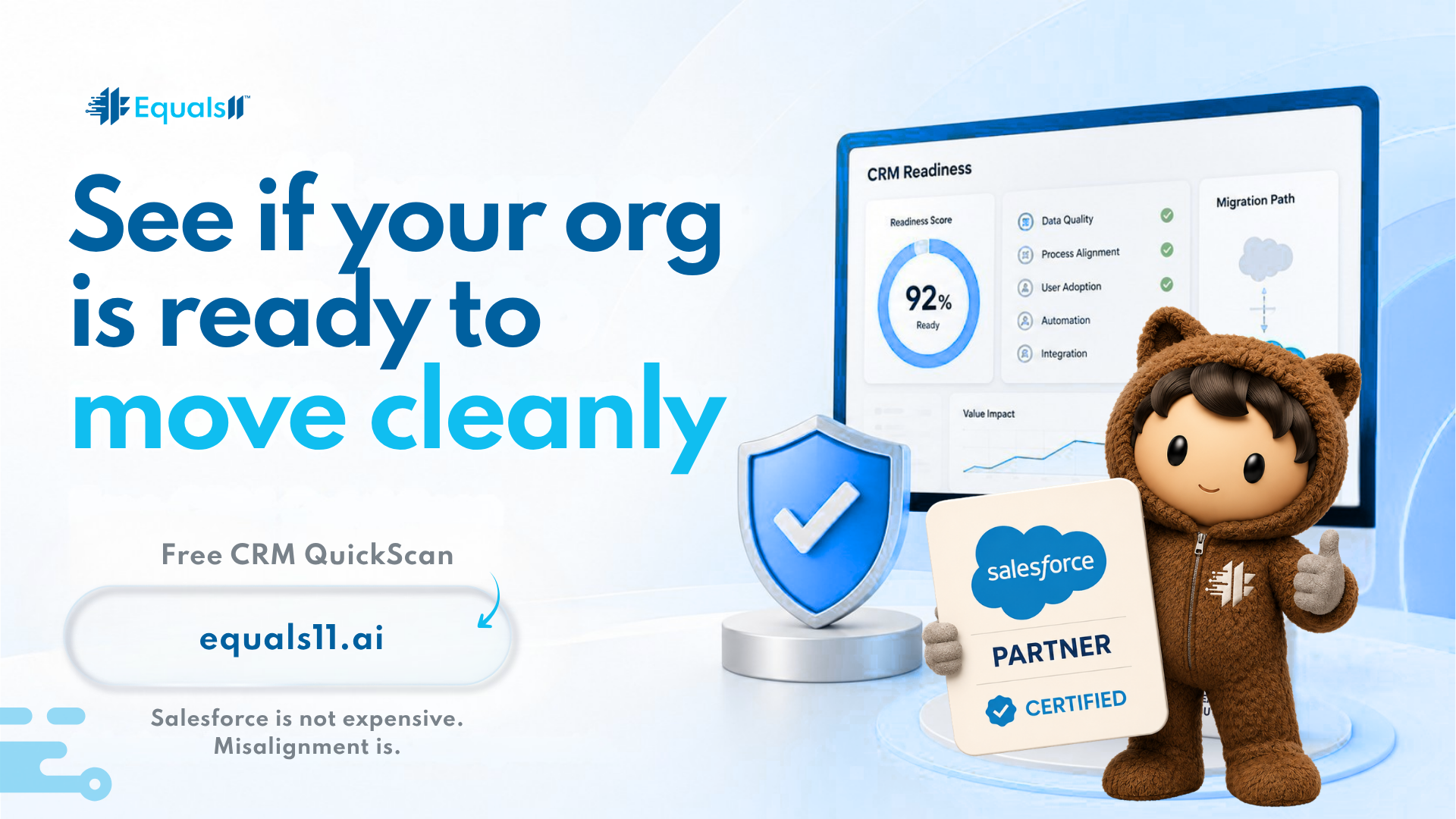
Not sure your org is ready to move cleanly? Start with the free CRM QuickScan at equals11.ai. Or book a call at equals11.com/contact, and we will map what depends on Open CTI today, build and test the target state in a sandbox against your real call flows, and run the cutover in phases so your agents keep taking calls the whole way.
