
Every Monday at 8 a.m., someone on your operations team opens Salesforce, runs four reports, exports them, and pastes the numbers into a slide for the leadership meeting. By the time the meeting starts, the pipeline figure is two days old. Nobody in the room knows that.
The routine costs more than it looks like it costs. A senior analyst spends hours a week moving data by hand. Leadership makes calls on Wednesday against a picture assembled Monday morning out of Friday's data. And the first follow-up question stalls the meeting, because the answer lives in a report nobody has open.
Salesforce can push those numbers into the room instead of waiting for someone to go get them. We call it the Executive Cockpit. Open pipeline, deals closing this week, cases resolved, and at-risk accounts land in the leadership Slack channel every morning before the first coffee. No logins. No exports. No slide.
Why your dashboards get built and then ignored
A dashboard needs someone to decide to go look at it. That sounds like a small ask. At the executive level, it quietly fails every day. A COO starts the morning in email and Slack, not in a Lightning app, and the report that answers the question they are about to ask sits three clicks away in a system they open twice a week.
Salesforce is where the work gets recorded. Slack is where the day gets run. When the numbers only live in the first place, the second place fills up with guesses and forwarded screenshots. You paid to design and build those dashboards, and the reporting still happens by hand every Monday. That build cost is already spent, and it is buying nothing.
What it takes to send Salesforce reports to Slack automatically
A scheduled Flow runs before business hours, queries the objects behind each number, formats the payload, and hands it to Slack through Slack Lightning apps. The capability is headless and low-code. There is no new object model, no custom Apex to maintain, and no separate reporting tool to license.
On an org with a sound data model, this takes days, not months. The hours your analyst currently spends assembling the leadership update go back to your analyst. That is the whole financial case for it, and it holds up without any AI in the conversation.
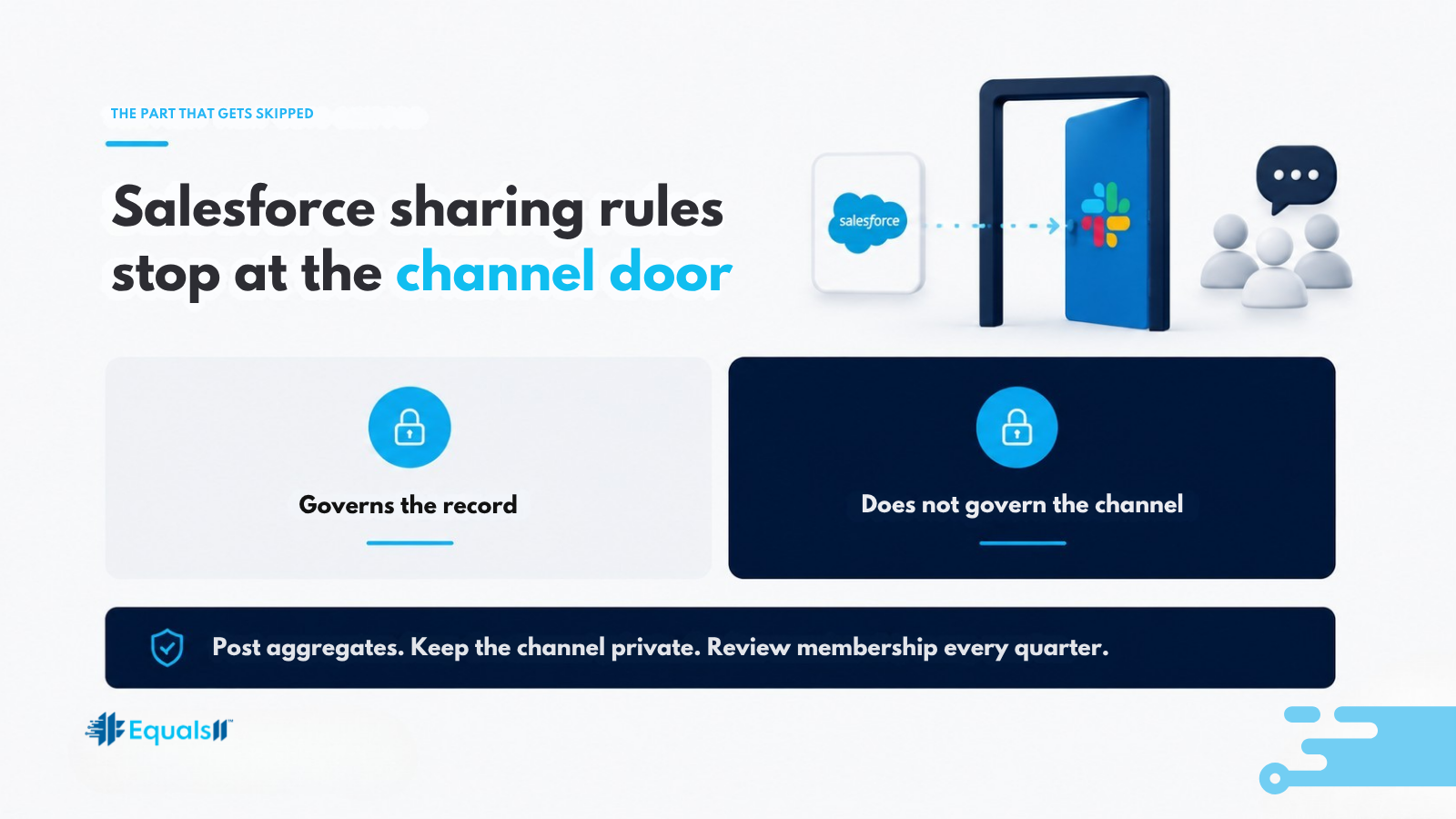
Salesforce sharing rules stop at the channel door.
Here is the part that gets skipped. When a report posts into a Slack channel, every member of that channel sees it, regardless of profile, permission set, or role hierarchy. Your sharing model governed who could open the record. It does not govern who reads a number that has already been published into a room.
A rep added to a leadership channel for one project now sees company-wide pipeline. In healthcare, financial services, or any org that runs a formal access review, that becomes a finding with your name on it. Design around it from the start. Post aggregate figures rather than record-level detail, keep the channel private with an owner who manages membership, and put channel access on the same quarterly review cycle as the rest of your permissions. The cheapest version of this build creates an exposure your next audit will name, and remediating it afterward costs more than designing it correctly the first time.
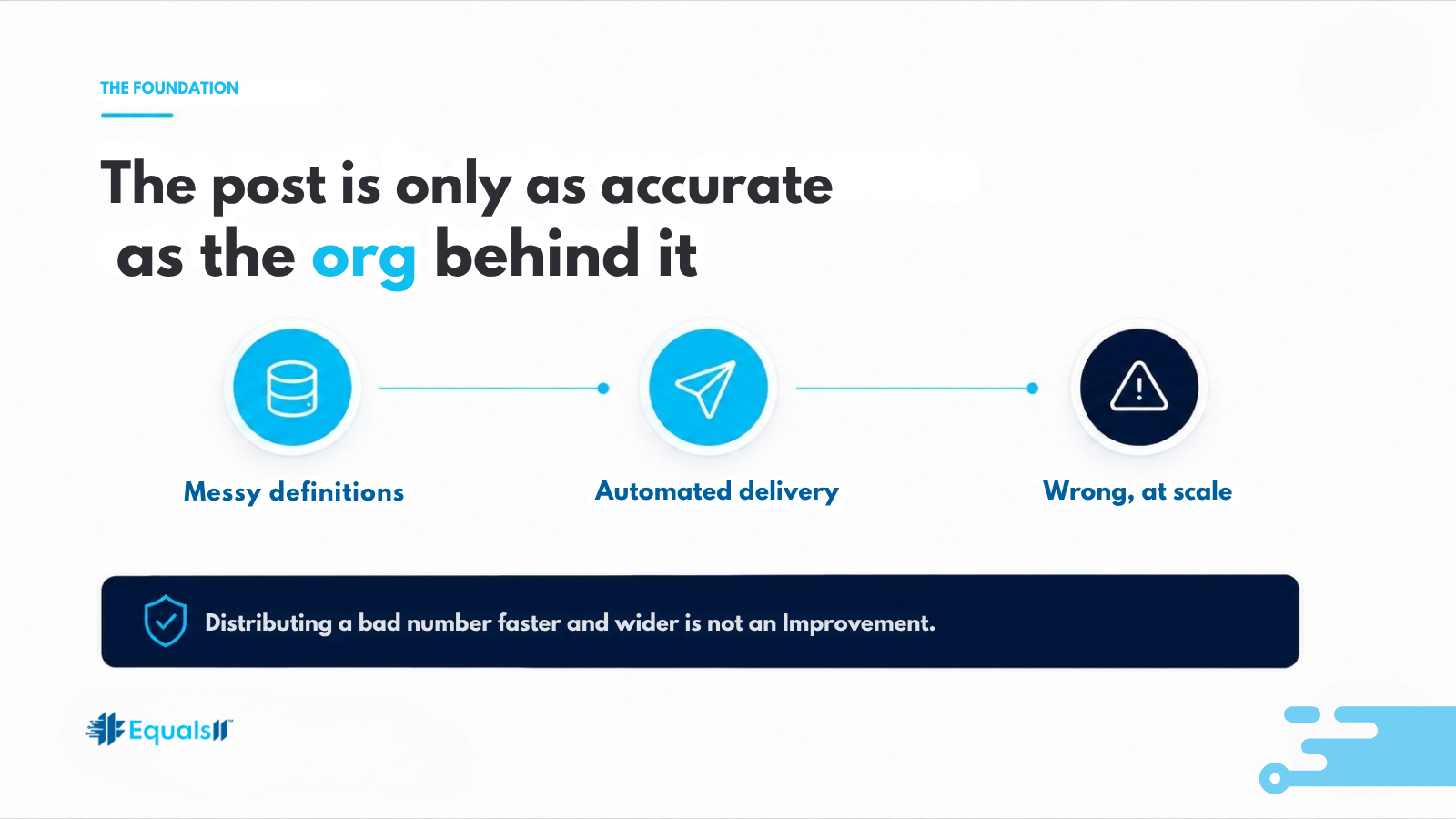
The post is only as accurate as the org behind it.
If your opportunity stages mean different things to different teams, the morning number is wrong. It is now wrong in front of your entire leadership team, every day, delivered with the quiet authority of automation. Manual reporting at least had a human in the loop who sometimes caught it. [Link: "Why your Salesforce opportunity stages don't line up"]
This is why we run a Baseline assessment before we build any delivery layer. Data integrity, automation health, reporting reliability, and governance clarity all have to hold, because the Slack post inherits every one of them. Distributing a bad number faster and wider than before is not an improvement. It is the same reporting problem with a larger audience and less friction to question it.
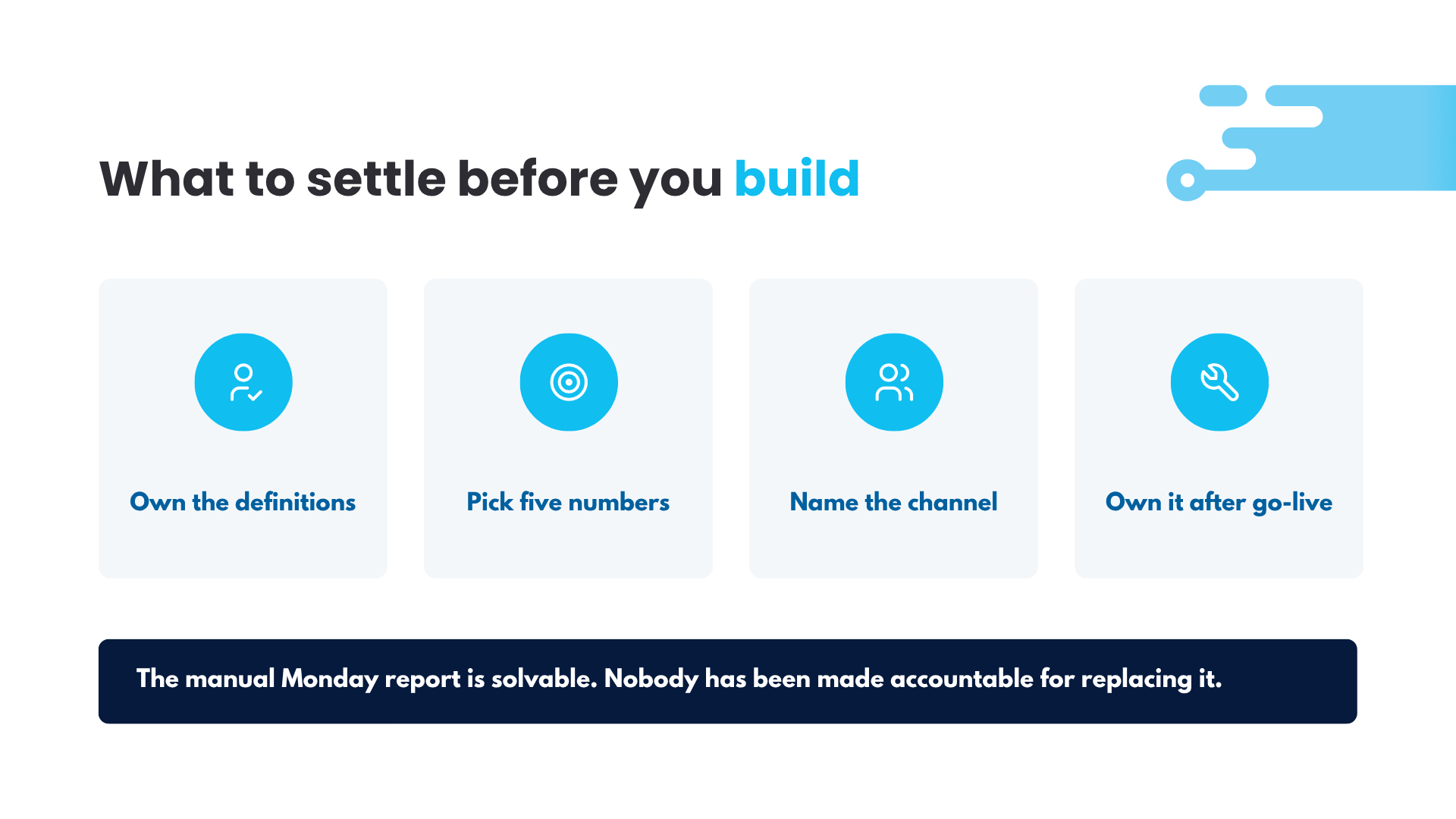
What to settle before you build
Decide who owns the definition of each number. Pick the four or five figures that actually change a decision, and leave the rest in the dashboards where they belong. Name who sits in the channel and who approves adding someone. Agree on what happens when a leader questions a figure, because that path needs to end at a person, not at a thread.
Then decide who owns it after go-live. A scheduled Flow that nobody maintains survives about two quarters of business change. Field changes, a new stage, a restructured team, and one morning the post is silently reporting on a segment that no longer exists.
The manual Monday report is a solvable problem. It has been solvable for years. What keeps it in place is that nobody has been made accountable for replacing it, and everyone has learned to work around the delay.
Start by finding out what your org can actually support. The free Salesforce Health Index scores your data integrity, reporting reliability, and governance in about ten minutes, and it will tell you if a morning delivery layer is a two-week build or a cleanup project first.
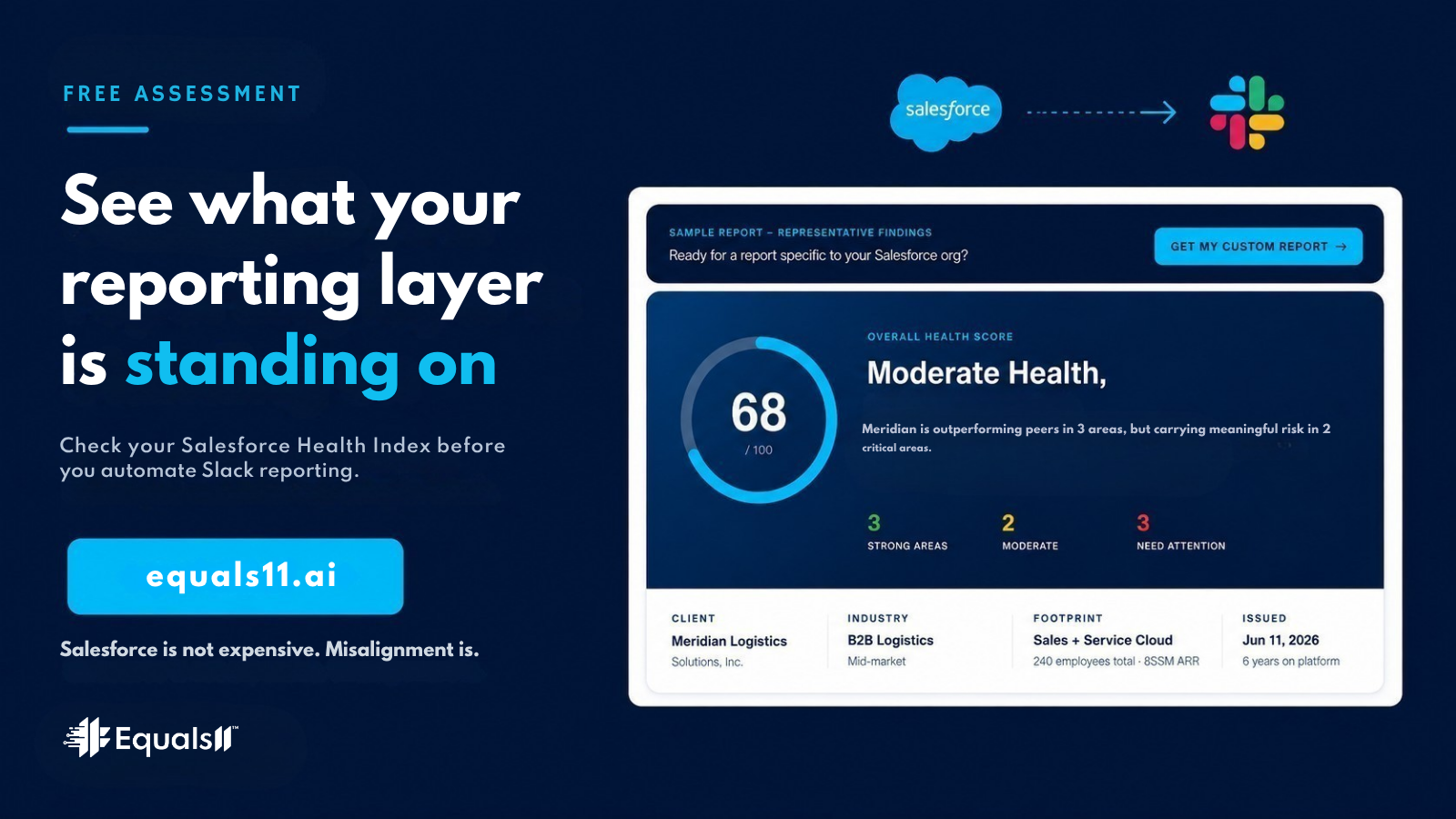
Free. See what your reporting layer is really standing on. → Take it at equals11.ai
Salesforce is not expensive. Misalignment is.
