
5 Signs your Salesforce Implementation is working against you
You invested in Salesforce to save time, improve visibility, and grow faster. But if your team is working around the system instead of through it, logging calls on sticky notes, running reports in spreadsheets, or dreading the CRM altogether, something has gone wrong.
This is more common than most companies want to admit. According to industry research, more than 70% of CRM implementations fail to deliver their intended value, not because Salesforce is the wrong tool, but because the implementation was not set up to match how the business actually works.
The good news is that most of these problems are fixable. But first, you have to recognize them.
Here are 5 signs your Salesforce implementation is working against you and what to do about it.
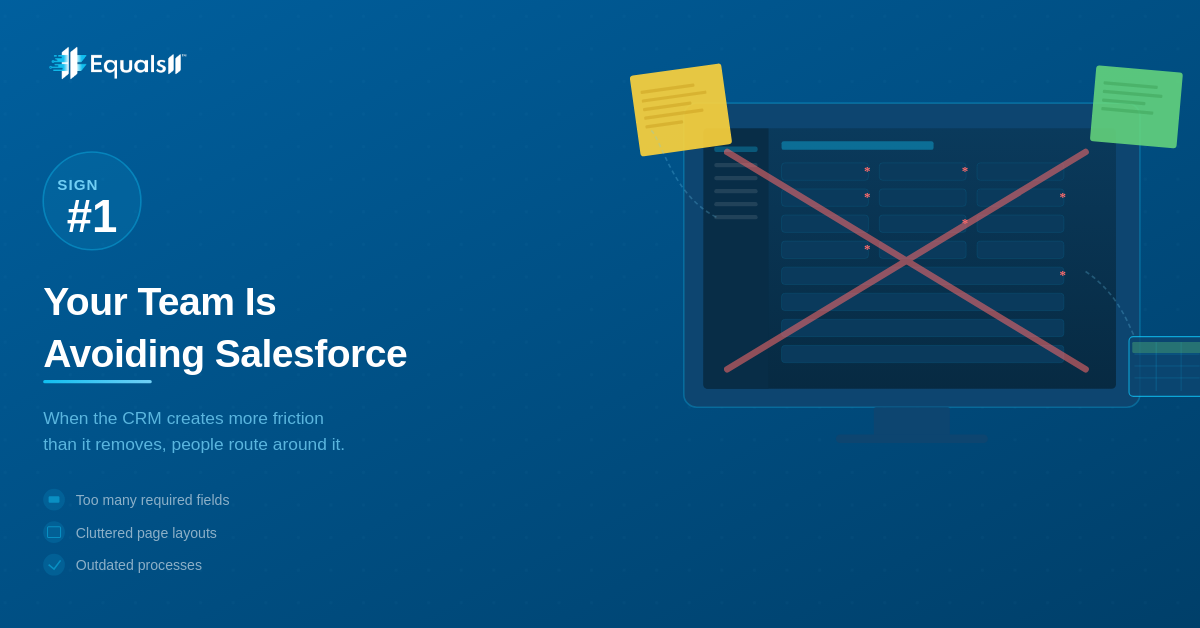
Sign #1: Your team is avoiding Salesforce
If your reps are keeping their own spreadsheets, logging deals in their notes app, or only updating Salesforce right before a pipeline review, that is not a discipline problem. It is a design problem.
When Salesforce creates more friction than it removes, people route around it. Common culprits include:
Too many required fields that do not reflect how deals actually movePage layouts cluttered with fields nobody usesProcesses that were designed for a previous workflow and never updatedMissing integrations that force users to switch between multiple tools
A Salesforce audit that looks at actual user behavior, not just configuration, will reveal where the friction exists. From there, streamlining page layouts, simplifying required fields, and rebuilding processes around how your team actually works can turn avoidance into adoption.
Sign #2: Your data cannot be trusted
Duplicate records. Outdated contacts. Opportunities closed six months ago that are still showing as “In Progress.” Missing fields across half your accounts.
If your team has stopped trusting the reports that come out of Salesforce, or if leadership is pulling numbers from somewhere else to make decisions, your CRM data is broken, and everything built on top of it is too.
Poor data quality is not just an inconvenience. It cascades into bad forecasts, missed follow-ups, duplicated outreach, and AI and automation tools that produce unreliable results because they are learning from unreliable inputs.
Data cleanup is unglamorous work, but it is foundational. Deduplication, validation rules, required fields in the right places, and a standardized data entry process can restore confidence in your reports and unlock automation that actually works.
Sign #3: You are still doing manually what Salesforce should handle
If your team is still manually sending follow-up emails after every demo, copying and pasting data between Salesforce and your billing system, or pulling weekly pipeline reports by hand, Salesforce is not working for you. You are working for Salesforce.
Automation is one of Salesforce’s greatest strengths. Flows, process automation, email alerts, and integrations through tools like MuleSoft or native connectors can eliminate enormous amounts of repetitive manual work.
If those capabilities are not being used, the implementation did not go far enough.
Map out the manual tasks your team does every week that involve Salesforce data, even indirectly. Most of them can be automated. A good Salesforce partner will help you prioritize high-impact automations and implement them without breaking what is already working.
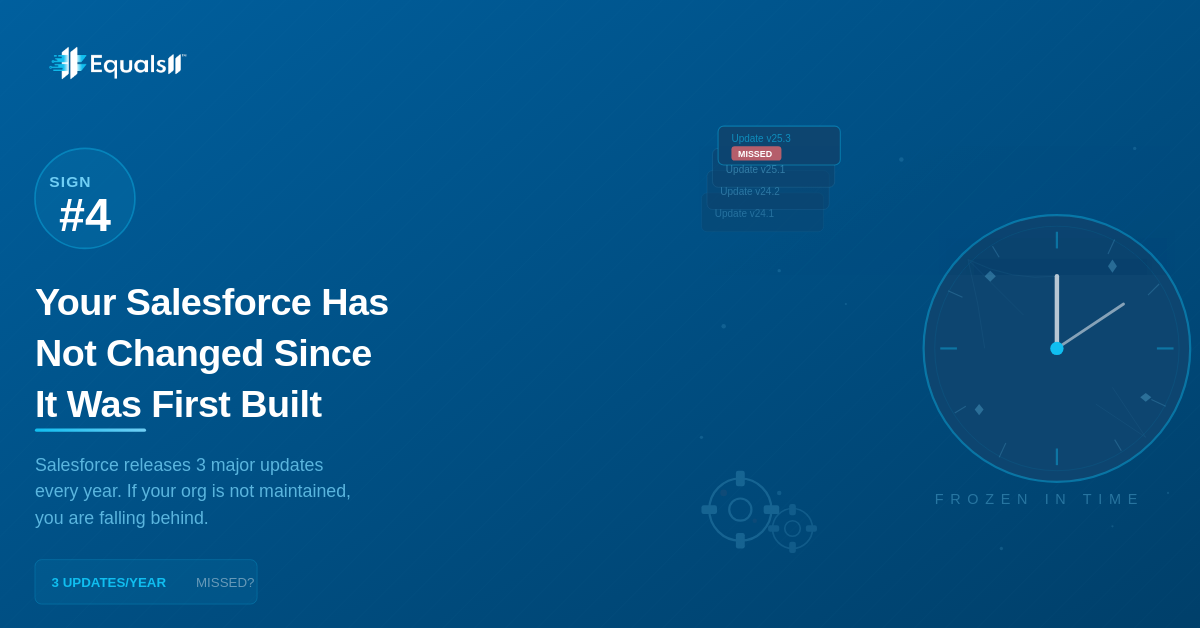
Sign #4: Your Salesforce setup has not changed since it was first built
Businesses evolve. Teams grow. Products change. New sales processes replace old ones. But many Salesforce instances are frozen in time, configured once for a company that no longer exists and left untouched ever since.
The result is a half-outdated org: old fields cluttering the layout, inactive automations firing incorrectly, reports tracking metrics nobody cares about anymore, and new team members being onboarded into a system that does not match how the business actually runs today.
Salesforce also releases three major updates every year. If your org is not being maintained, you are likely missing features that could make a real difference and potentially running into compatibility issues you do not even know about.
Salesforce is not a set-it-and-forget-it platform. It needs ongoing administration and periodic strategic reviews to stay aligned with how your business works. A managed services partner can keep your org healthy, up to date, and continuously improving.
Sign #5: Nobody knows who “Owns” Salesforce
This one is surprisingly common, especially in growing companies. Salesforce was set up by someone who has since left, by an external consultant who handed it off without proper documentation, or by a team member who figured it out as they went.
Now when something breaks, nobody knows how to fix it. When a new process needs to be built, nobody knows where to start. When a new team member asks how something works, the answer is “just ask Sarah,” and Sarah has been doing her best to hold it together while also doing her actual job.
Without clear ownership and proper documentation, even a well-built Salesforce implementation deteriorates quickly. Technical debt accumulates. Workarounds stack up. And every new request becomes a risk because nobody is sure what will break.
Establish clear ownership, either internally or through a managed services partner. Document what exists, how it works, and why decisions were made. This is not just about solving today’s problems. It is about building a foundation that can grow with you.
The bottom line
A Salesforce implementation that is working against you is not a lost cause. In most cases, the platform is not the problem. The setup is. With the right partner and a clear-eyed assessment of where things stand, most orgs can be turned around faster than you would expect.
At Equals11, we start every engagement with a Baseline audit, a thorough health check that identifies exactly where your Salesforce org is falling short, what is causing it, and what it would take to fix it. No generic advice.
If any of these five signs feel familiar, it is worth having a conversation.
Ready to find out what is really going on in your Salesforce org? Talk to Equals11. We will show you exactly where your org stands and what it would take to make Salesforce work the way it was supposed to.
About Equals11
Equals11 is an award-winning Salesforce consulting partner recognized by Clutch for 4 consecutive years and across 8 categories in 2026. We help growing businesses and nonprofits implement, optimize, and get real value from Salesforce, with 100% five-star reviews on the Salesforce AppExchange in 2025.
